
Knowledge BaseThe AI Directory

Kling v2 | Text to Video

Kling v2 Text to Video transforms written text into smooth, well-structured videos, enhancing visual clarity while maintaining consistent pacing throughout.
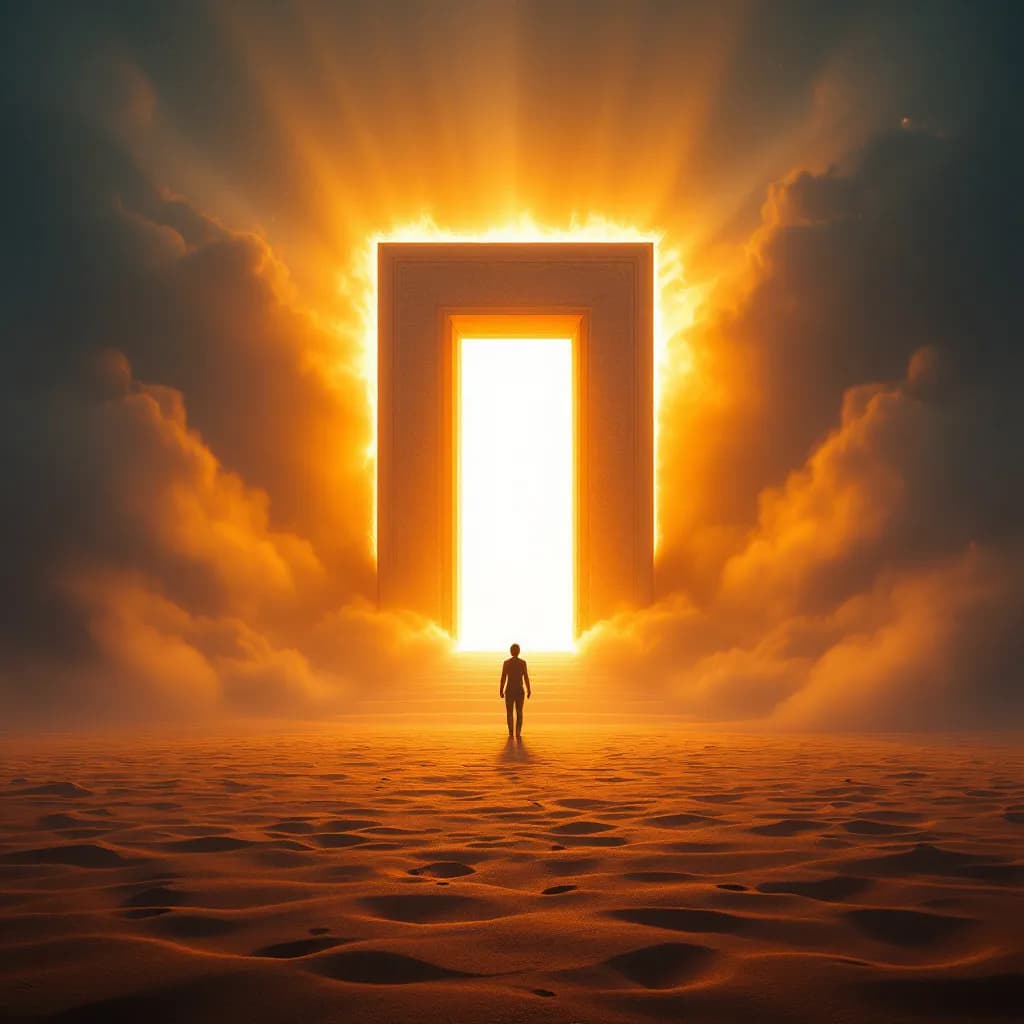
Eachlabs Image Generation

Eachlabs Image Generation creates high-quality PNG images from a blend of text prompts and up to 10 reference images. Using cross-attention to fuse vision features with language, it excels at style transfer, likeness-inspired concepts, and composition blending while maintaining creative coherence. Guide mood, structure, and aesthetics with concise prompts plus consistent reference images (angle, lighting, palette). For best results, use 2-4 related references, avoid low-resolution or copyrighted content, and keep prompts focused. Internal safety layers help prevent unsafe outputs. Ideal for visual storytelling, character design, product mockups, and art direction, it captures stylistic cues to produce imaginative, contextually accurate visuals.
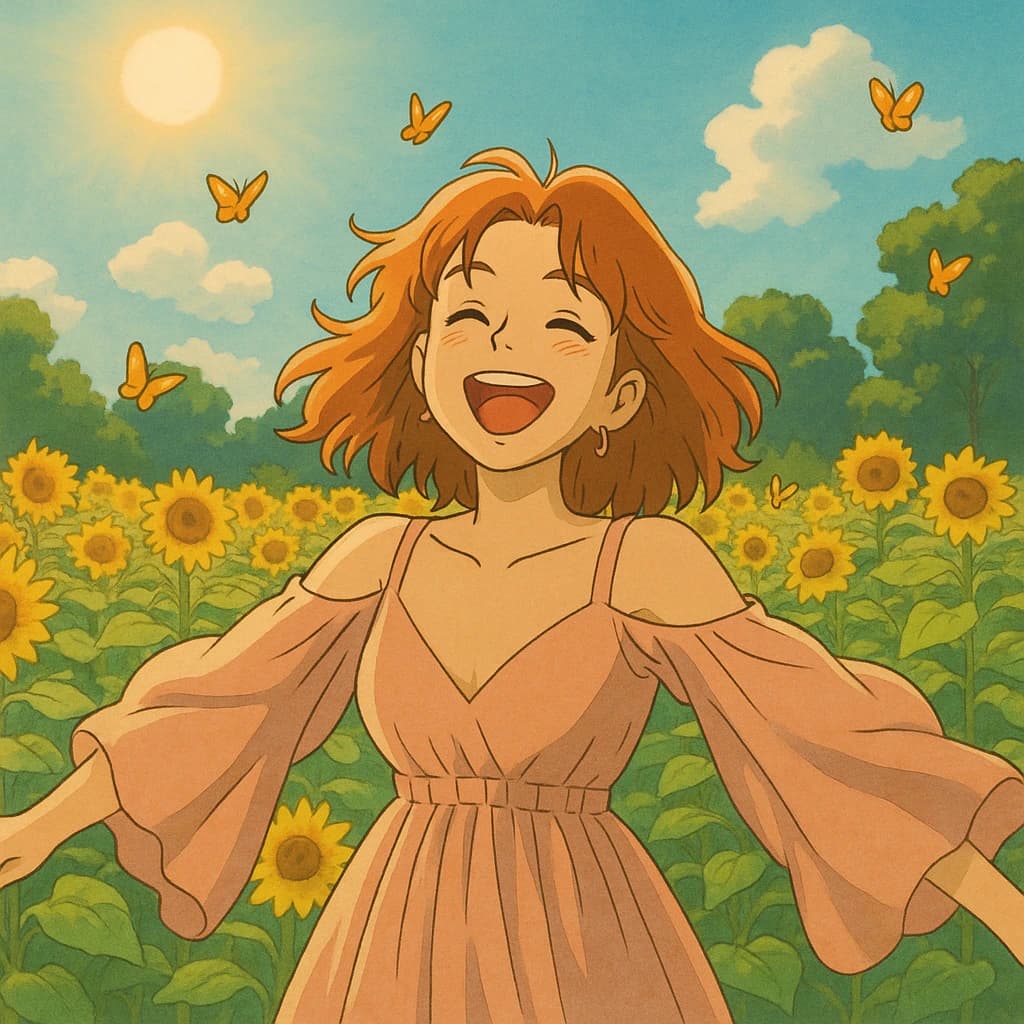
Custom Image Generation v2
Custom Image Generation v2 refines your existing images with preset styles while preserving the original layout and key elements. Built on modern diffusion/GAN techniques, it lets you balance consistency and creativity by tuning style strength, guidance scale, sampling steps, and seeds. Upload a PNG/JPEG, pick a style, and iteratively adjust parameters to achieve professional, coherent results at up to 1024×1024 with flexible aspect ratios. It excels at branding, product visuals, and design workflows where spatial fidelity matters, and supports upscaling, retouching, and outpainting. Clear prompts and moderate sampling steps improve detail, while extreme style influence may introduce artifacts or distort features.

Kling v2 | Image to Video
Kling v2 Image to Video animates a single image into a short, high‑quality MP4 guided by a clear text prompt. Blend image conditioning with prompt‑driven motion to create coherent, context‑aware clips tailored for social, marketing, or presentations. Use sharp, uncluttered images (≥512×512) and specify duration (5s for complex scenes, 10s for smoother, continuous motion) plus aspect ratio (16:9, 9:16, or 1:1). Fine‑tune adherence with cfg_scale (0.5–0.8) and refine with negative prompts like “no text, no logo.” Avoid conflicting instructions and overly abstract concepts. Best results come from aligned image‑prompt pairs and iterative adjustments for motion clarity.
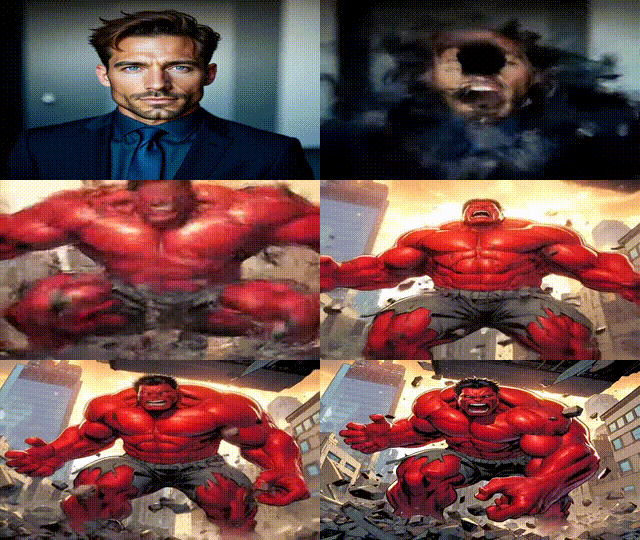
Vidu Template

This image-to-video tool turns a single photo into a dynamic clip using predefined motion templates. Simply choose a template that matches your image’s mood or theme—like whimsical, affectionate, or fashion-forward—and the model applies smooth, stylized movement without the need for editing skills. Use high-resolution images with clear subjects for best results, and set a fixed seed to reproduce a favorite outcome. You can experiment across multiple templates to find the most engaging effect for social posts, ads, or personal keepsakes. Outputs are MP4 and template-dependent, so picking a template aligned with your image content is key to achieving coherent visuals.
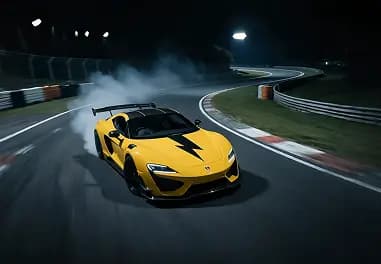
PixVerse v4.5 | Text to Video
PixVerse v4.5 Text to Video turns detailed text prompts into short, dynamic MP4 clips with a range of styles and motion settings. Choose from anime, 3D animation, clay, comic, or cyberpunk aesthetics, and tailor outputs with aspect ratios like 16:9, 1:1, 9:16, or 3:4. Videos run 5–8 seconds and render from 360p to 1080p, balancing speed and quality. Use vivid, specific prompts and targeted negative prompts to reduce artifacts. Motion modes let you opt for smooth, natural pacing or faster, more energetic movement, while seed control enables reproducible results. Ideal for social content, marketing previews, concept pitches, and presentations.
PixVerse v4.5 | Effect
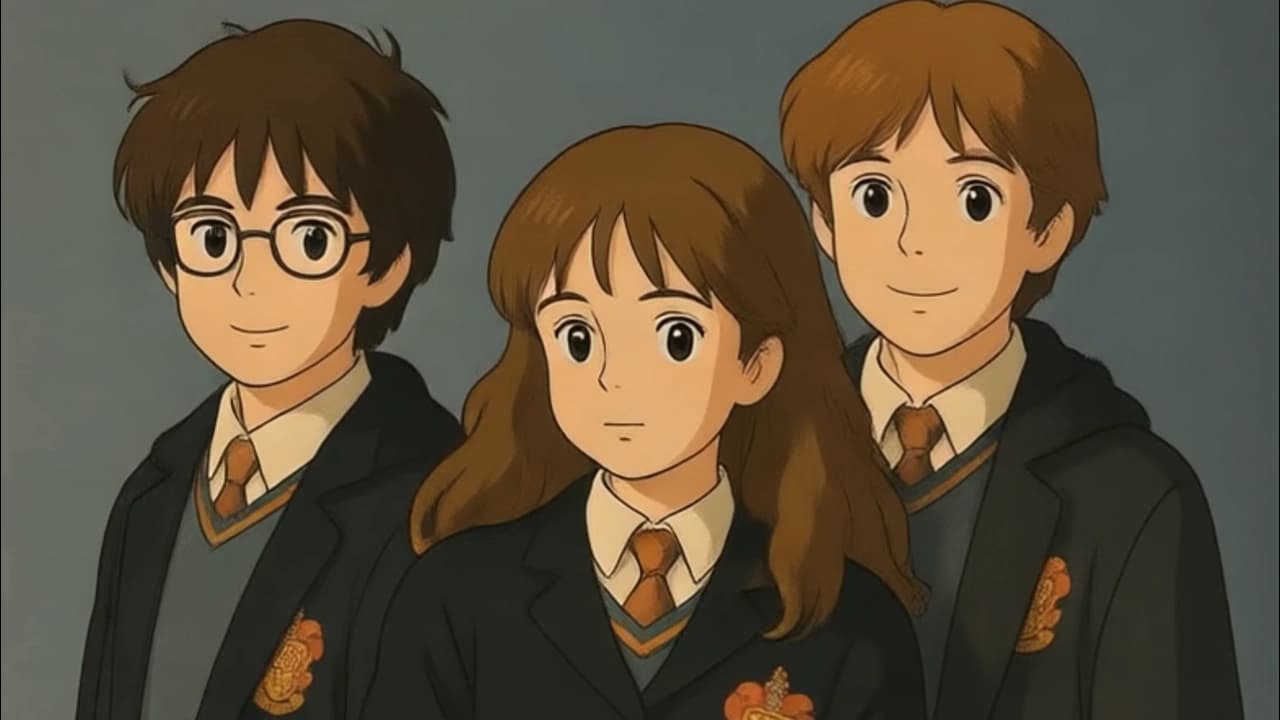
PixVerse v4.5 Effect turns a single image into a short, stylized MP4 using curated animation templates. Choose from themes like anime, cinematic transformations, retro looks, character morphs, and surreal transitions to add motion and visual effects while keeping the subject clear and expressive. Templates run 5–8 seconds and output 360p–1080p, with rendering time based on complexity and resolution. For best results, use high‑resolution, centered portraits facing the camera; backgrounds are typically replaced or stylized. Pick a template that matches your subject and intent (e.g., vogue-walk, anime-magic, sakura-flood). Note that templates are fixed and heavy stylization may alter realism.
PixVerse v4.5 | Image to Video
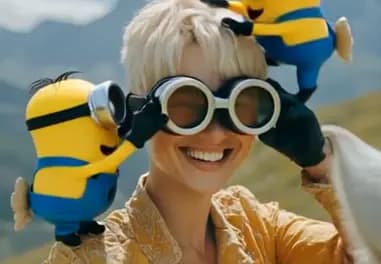
PixVerse v4.5 Image to Video transforms a single image into a short, dynamic MP4 clip while preserving the subject’s identity and structure. Guided prompts let you steer motion, style, and tone, with options like anime, 3D animation, clay, comic, or cyberpunk. Choose 5 or 8 seconds, pick 720p for speed/quality balance (1080p for more detail), and set motion_mode to normal for subtle transitions or fast for action. Use negative prompts to suppress artifacts and fix a seed for reproducibility. High‑resolution, clean compositions deliver the best results; overly abstract, text-heavy, or cluttered images may animate less smoothly.
Newly Released AI Models & Features
Most Popular
Alibaba | Wan 2.7 | Image Edit
Alibaba Wan 2.7 Image Edit is the latest Wan-series image editing model developed by Alibaba, offering improved instruction comprehension and editing precision for a wide range of modifications including style changes, object edits, and scene alterations. Built on the Wan 2.7 architecture, this model handles complex natural language editing instructions with greater semantic accuracy than earlier versions. Best suited for product photo editing, creative retouching, and high-volume commercial image transformation pipelines.
Seedance V1.5 | Pro | Text to Video
Discover a groundbreaking way to create videos with the seedance-v1.5 text-to-video AI model by Bytedance. This innovative tool transforms text prompts into captivating, high-quality videos with synchronized audio, effectively removing the need for post-editing. With advanced camera controls like dolly zooms and tracking shots, you can produce cinematic clips in a matter of minutes. Perfect for creators wanting quick and engaging content, it generates 5-10 second videos at up to 1080p resolution in just one streamlined process.
Seedance V1.5 | Pro | Image to Video
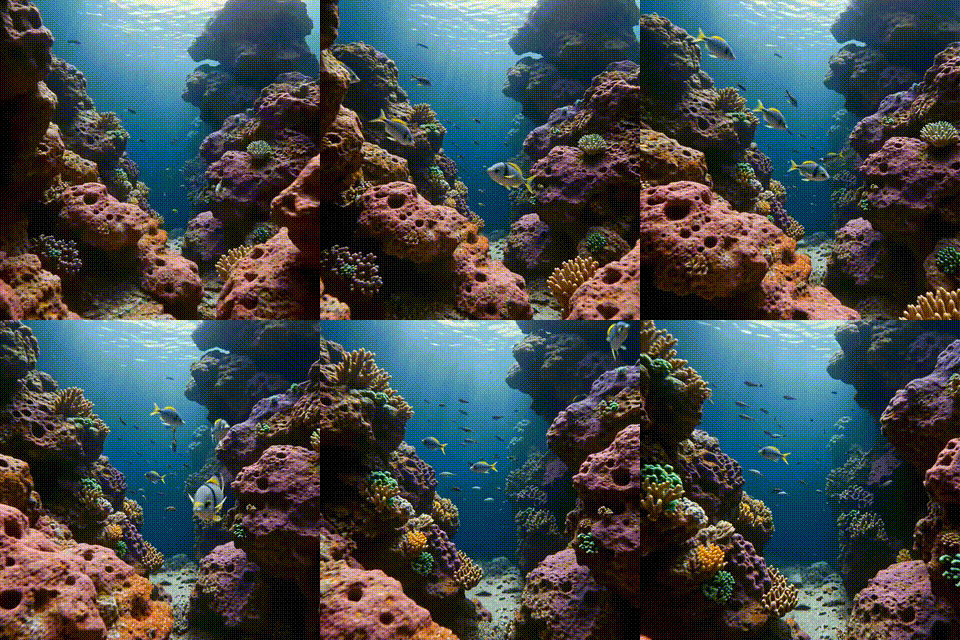
Bytedance's seedance-v1.5-pro-image-to-video transforms static images into dynamic videos with synchronized audio, removing the need for post-production editing. Utilizing a unique Diffusion-Transformer architecture, it processes visuals and audio simultaneously, achieving precise lip-sync and sound matching. This AI model is perfect for creators needing professional-grade image-to-video solutions, supporting 5-10 second clips at up to 1080p resolution. It maintains character identity and fine details while adding immersive soundscapes, offering an all-in-one solution for cinematic video creation.
Infinitalk | Image to Video
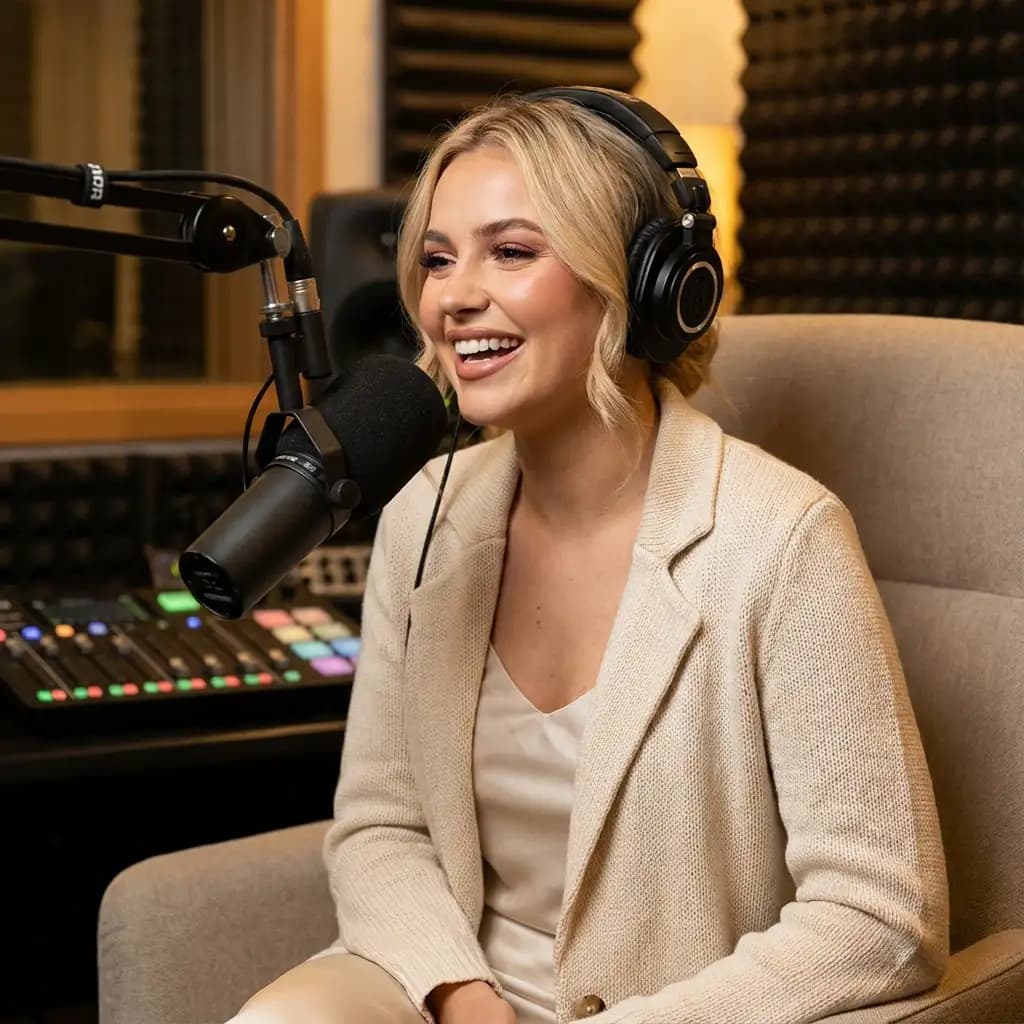
InfiniteTalk's AI-driven model turns a single image and audio input into a lifelike talking avatar video. This innovative tool ensures accurate lip sync, realistic facial expressions, and natural head and body movements. Ideal for producing long-form content, it maintains character consistency over extended sessions without identity drift. Unlike short-clip tools, it supports streaming for creating infinite-length videos, making it perfect for seamless storytelling and prolonged narration needs.