
Knowledge BaseThe AI Directory
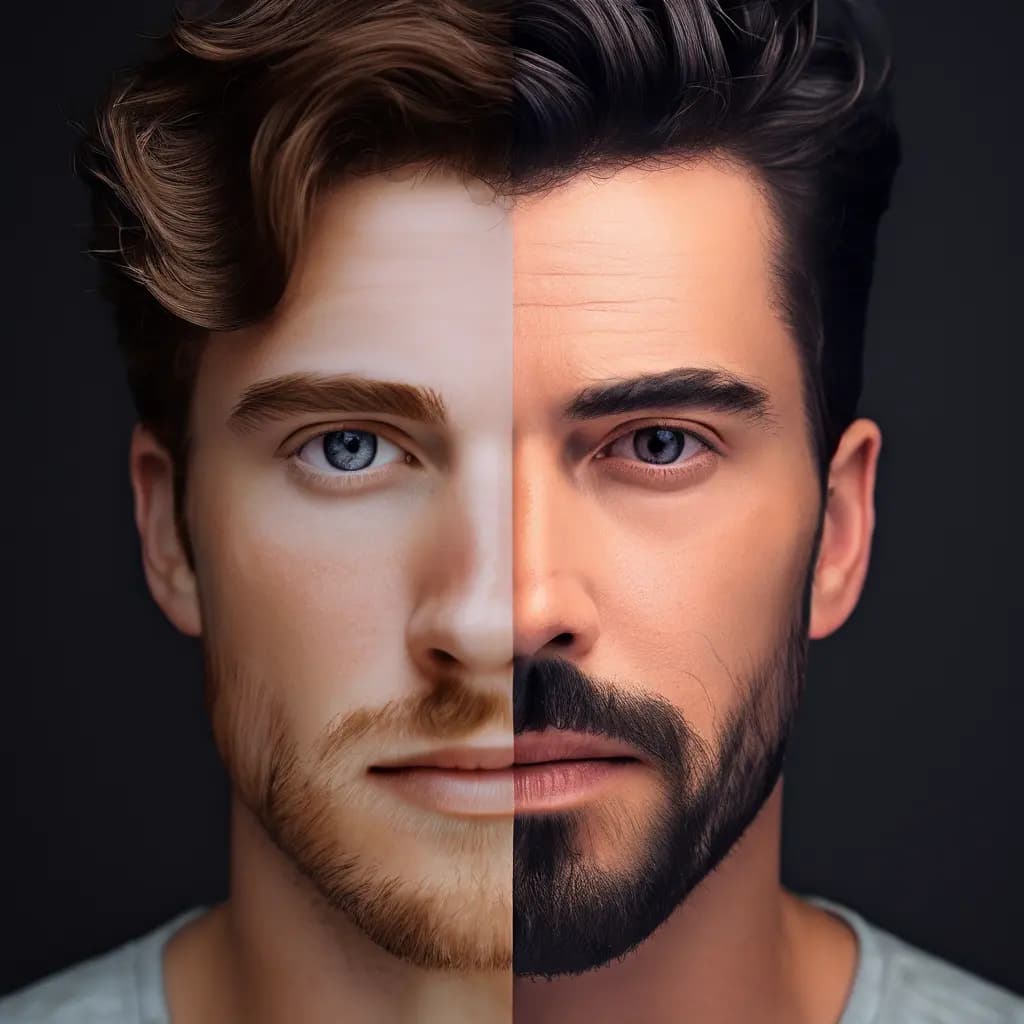
Face Swap

AI Face Swap tools use advanced vision models to detect, align, and blend facial features, producing realistic swaps across a wide range of angles, lighting, and skin tones. They support high-resolution inputs up to 2048x2048 in JPG/PNG and preserve overall image quality while focusing on single-face manipulations. For best results, use sharp, well-lit images with unobstructed faces and similar lighting between source and target. Preprocess by cropping or resizing as needed, and test a few angles to fine-tune realism. Ideal for entertainment, digital art, and social content, these tools enable fast, convincing results when inputs are clean and well matched.
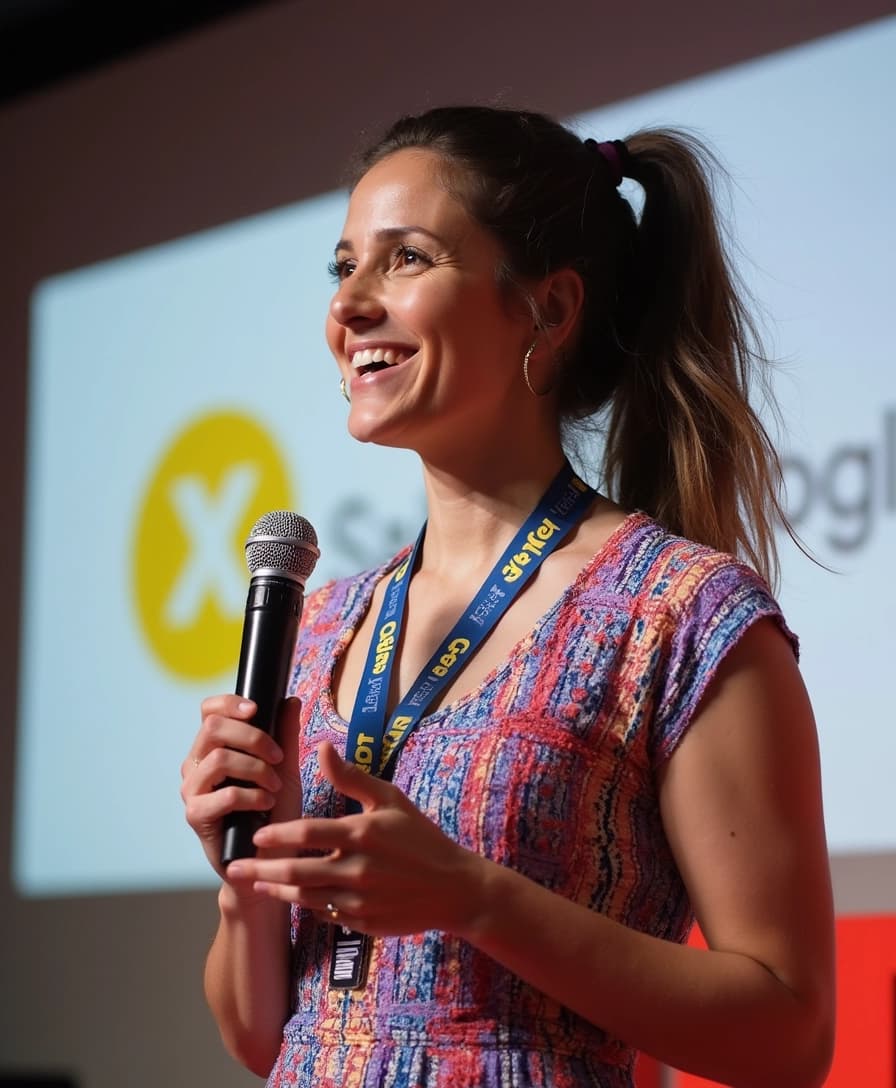
Flux Realism

flux-dev-realism is a FLUX.1-dev-based rectified flow transformer (12B params) that generates highly photorealistic images from text. Optimized for realism and stability, it excels at portraits, landscapes, and imaginative scenes while balancing fidelity and efficiency for research, education, and personal projects. Provide clear, detailed prompts and iteratively adjust parameters to refine lighting, composition, and texture. It supports diverse aesthetics and integrates well with control tools (e.g., ControlNet, LoRA) for tighter guidance. Ensure inputs meet expected formats and perform any required preprocessing for consistent results. Due to size, it benefits from strong hardware. Outputs are available in PNG, JPG, or WEBP.
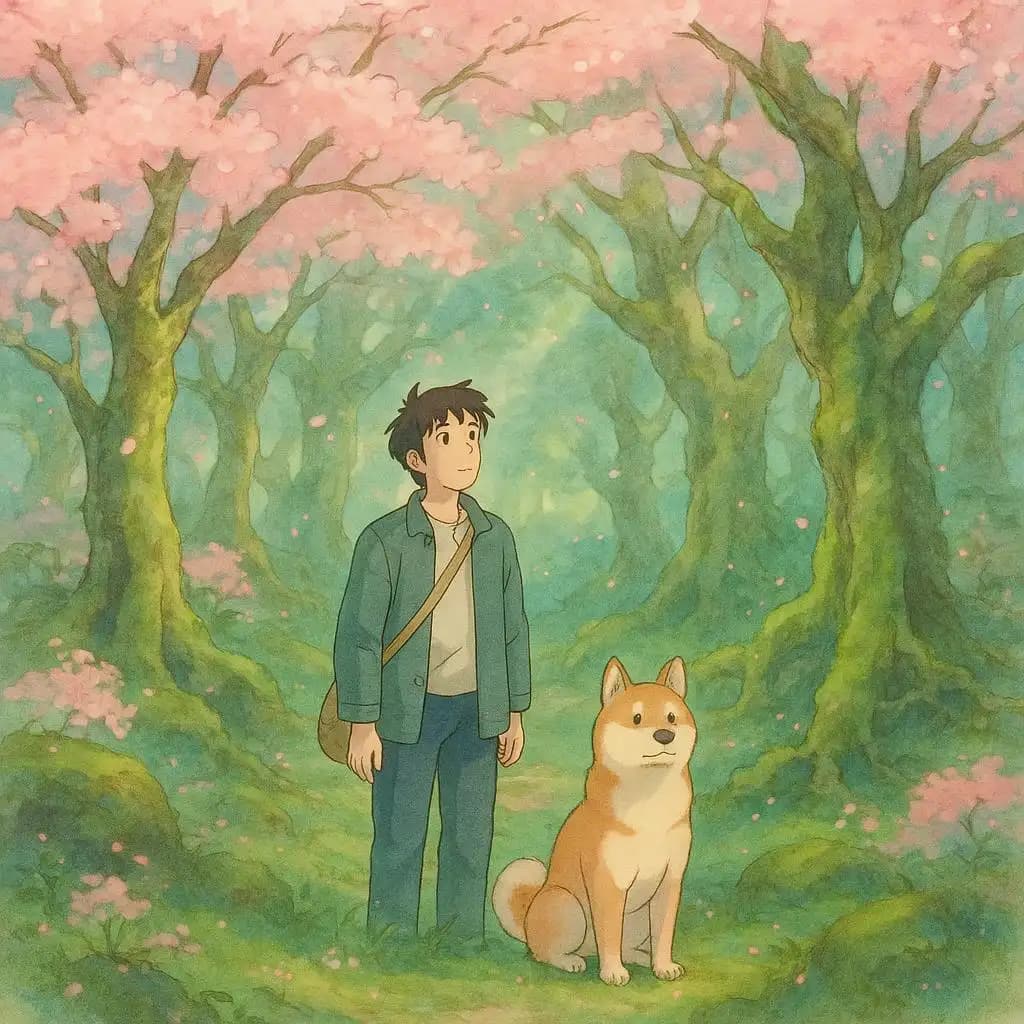
GPT-1 | Image Generation

OpenAI Image Generation turns detailed text prompts into high-quality images with strong compositional accuracy and fine-grained control. Built on a transformer-based diffusion model, it supports region-specific edits via masking and inpainting, multiple resolutions (1024×1024, 1024×1536, 1536×1024), and PNG/JPEG output. Precise prompts yield better results; start with smaller drafts for speed, then upscale or increase quality. For edits, target specific regions instead of regenerating the whole image. Batch up to 10 images per call and iterate to improve hands, faces, or scene details. Policy safeguards enable ethical creation. Ideal for marketing visuals, product mockups, concept art, and editorial illustration.
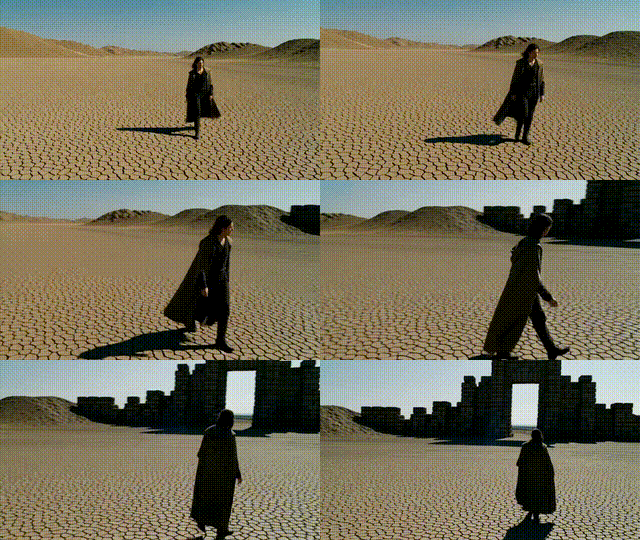
Kling v1.6 | Pro | Image to Video

Turn a single image into a short, cinematic video by pairing it with a clear motion prompt. The system preserves key details and structure from your source image while generating smooth, coherent movement—like pans, zooms, and atmospheric effects—with high temporal consistency and minimal flicker. Choose 5 seconds for subtle motion or 10 seconds for richer transformations, and match aspect ratios (16:9, 9:16, 1:1) to your platform. Guide results with cfg_scale for creativity versus strict adherence, and use negative prompts to exclude blur, glitches, or unwanted elements. Optionally add a tail image for seamless endings. Output is MP4, optimized for social and promos.
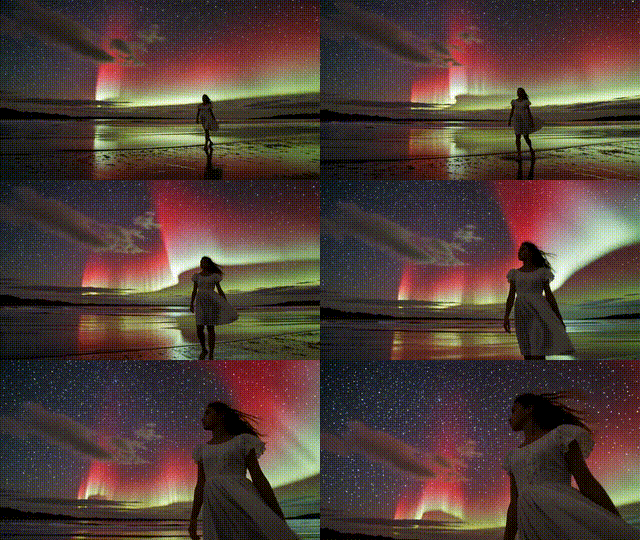
Kling v1.6 | Pro | Text to Video
Turn clear text prompts into short, high-definition videos with realistic motion, lighting, and scene coherence. Describe the subject, action, and environment (e.g., “sunset skyline, flying cars, neon reflections, slow pan”) and the system generates 5–10 second MP4 clips with smooth transitions and stable object movement. Choose aspect ratios (16:9, 9:16, 1:1) to fit your platform, use negative prompts to remove blur or unwanted styles, and tune cfg_scale for creativity versus strict prompt adherence. Keep prompts specific and avoid overloaded descriptions for best results. Ideal for promos, storyboards, social loops, and rapid concept visualization—no images or footage required.
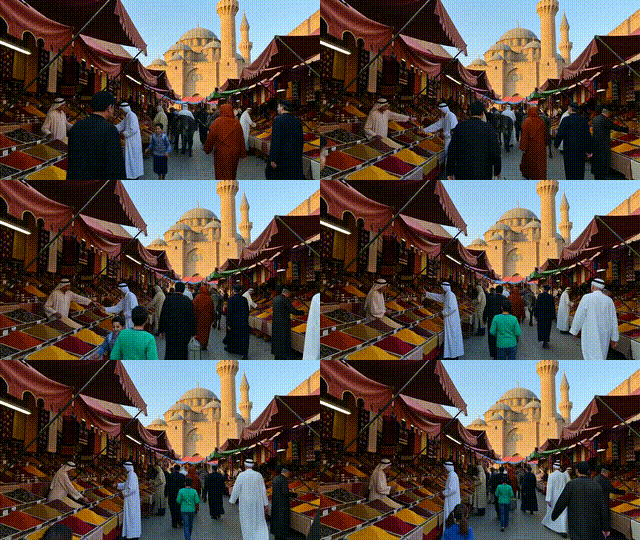
Kling v1.6 | Standart | Image to Video
Turn a single image into a short cinematic video with natural, stylized motion. Provide a clear, well-lit image and a descriptive prompt to guide camera actions (pan, zoom, rotate), atmosphere, and lighting. The system preserves fine details and subject integrity while adding depth shifts and smooth, temporally coherent movement. Choose 5s for quick previews or 10s for richer scenes, and pick the best aspect ratio (16:9, 9:16, 1:1) for your platform. Use negative prompts to avoid blur, glitches, or unwanted text, and tune cfg_scale to balance creativity and prompt adherence. Output is MP4, ideal for social, branding, and concept visuals.
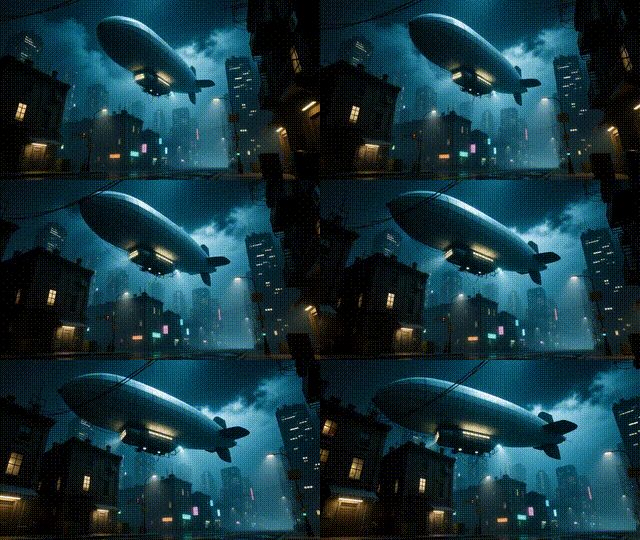
Kling v1.6 | Standard | Text to Video
Turn short, descriptive prompts into cinematic 5-10 second videos with coherent motion, stable subjects, and consistent lighting. Describe your scene, subject, and movement (e.g., “robot walks through a desert at dusk, slow zoom”) and the system generates MP4 clips with automatic camera pans, zooms, and depth. Use negative prompts to remove unwanted styles or artifacts, and adjust cfg_scale to balance creativity with prompt adherence (start around 0.6). Choose aspect ratios (16:9, 9:16, 1:1) and durations to match platforms and storytelling needs. It’s ideal for social posts, concept visuals, and rapid motion design—no reference images required.
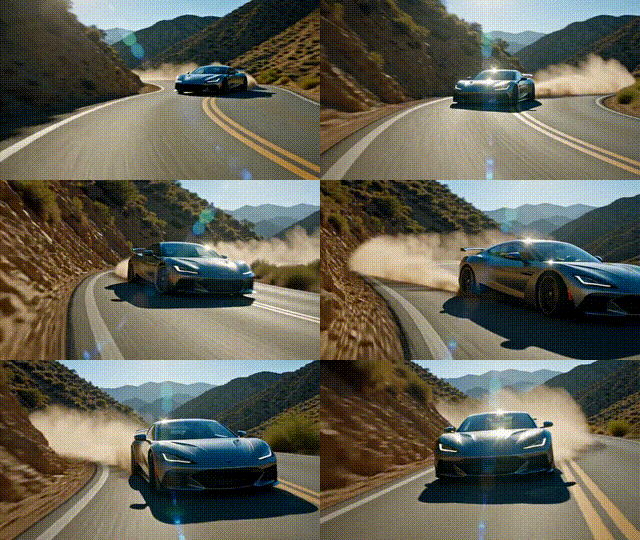
Kling v1.5 | Pro | Image to Video
Turn a single image into a short, dynamic video by pairing it with a clear motion prompt—and optionally a tail image to shape the ending frame. This tool preserves the subject and scene structure while adding realistic depth shifts, pans, zooms, and tilts. Start with a clean, well-lit image that matches your prompt’s intent, choose 5s for punchy motion or 10s for smoother cinematic transitions, and set an aspect ratio (16:9, 9:16, 1:1) for your platform. Use negative prompts to remove blur or distortions, and adjust cfg_scale to balance creativity with fidelity. Outputs are coherent MP4 clips ideal for teasers, intros, and social posts.
Newly Released AI Models & Features
Most Popular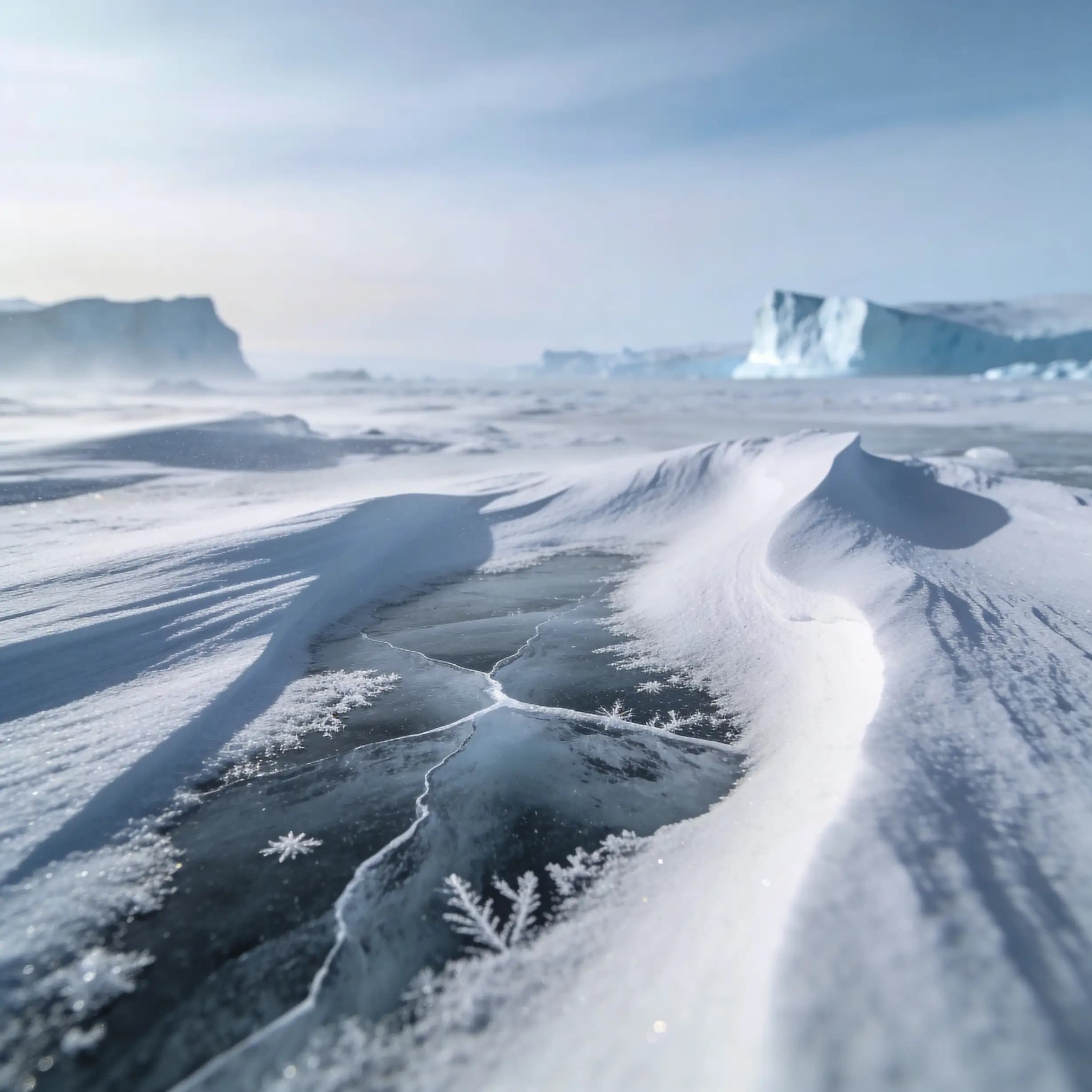
Alibaba | Wan 2.7 | Image Edit
Alibaba Wan 2.7 Image Edit is the latest Wan-series image editing model developed by Alibaba, offering improved instruction comprehension and editing precision for a wide range of modifications including style changes, object edits, and scene alterations. Built on the Wan 2.7 architecture, this model handles complex natural language editing instructions with greater semantic accuracy than earlier versions. Best suited for product photo editing, creative retouching, and high-volume commercial image transformation pipelines.
Seedance V1.5 | Pro | Text to Video
Discover a groundbreaking way to create videos with the seedance-v1.5 text-to-video AI model by Bytedance. This innovative tool transforms text prompts into captivating, high-quality videos with synchronized audio, effectively removing the need for post-editing. With advanced camera controls like dolly zooms and tracking shots, you can produce cinematic clips in a matter of minutes. Perfect for creators wanting quick and engaging content, it generates 5-10 second videos at up to 1080p resolution in just one streamlined process.
Seedance V1.5 | Pro | Image to Video
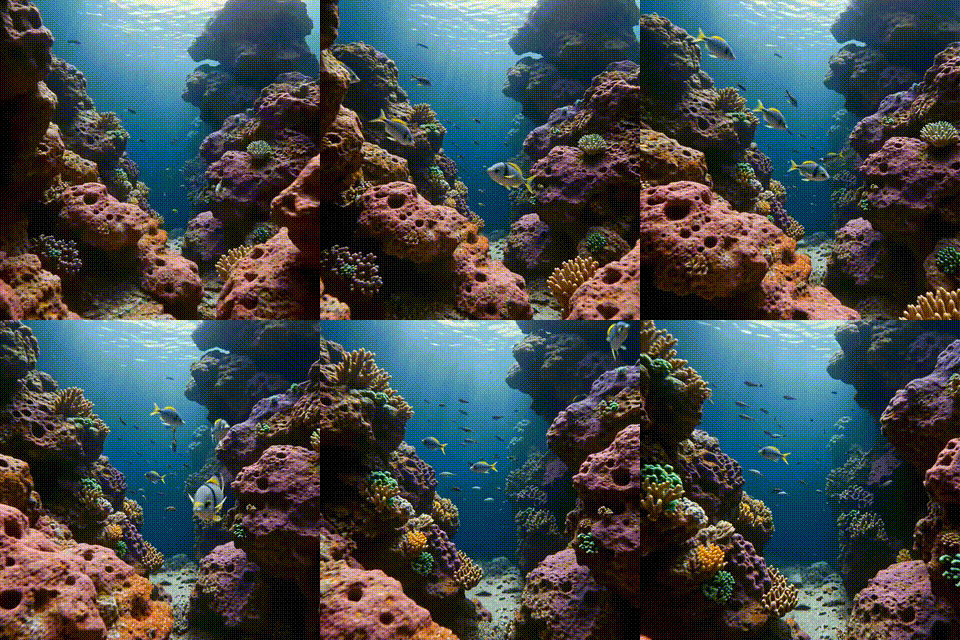
Bytedance's seedance-v1.5-pro-image-to-video transforms static images into dynamic videos with synchronized audio, removing the need for post-production editing. Utilizing a unique Diffusion-Transformer architecture, it processes visuals and audio simultaneously, achieving precise lip-sync and sound matching. This AI model is perfect for creators needing professional-grade image-to-video solutions, supporting 5-10 second clips at up to 1080p resolution. It maintains character identity and fine details while adding immersive soundscapes, offering an all-in-one solution for cinematic video creation.
Infinitalk | Image to Video
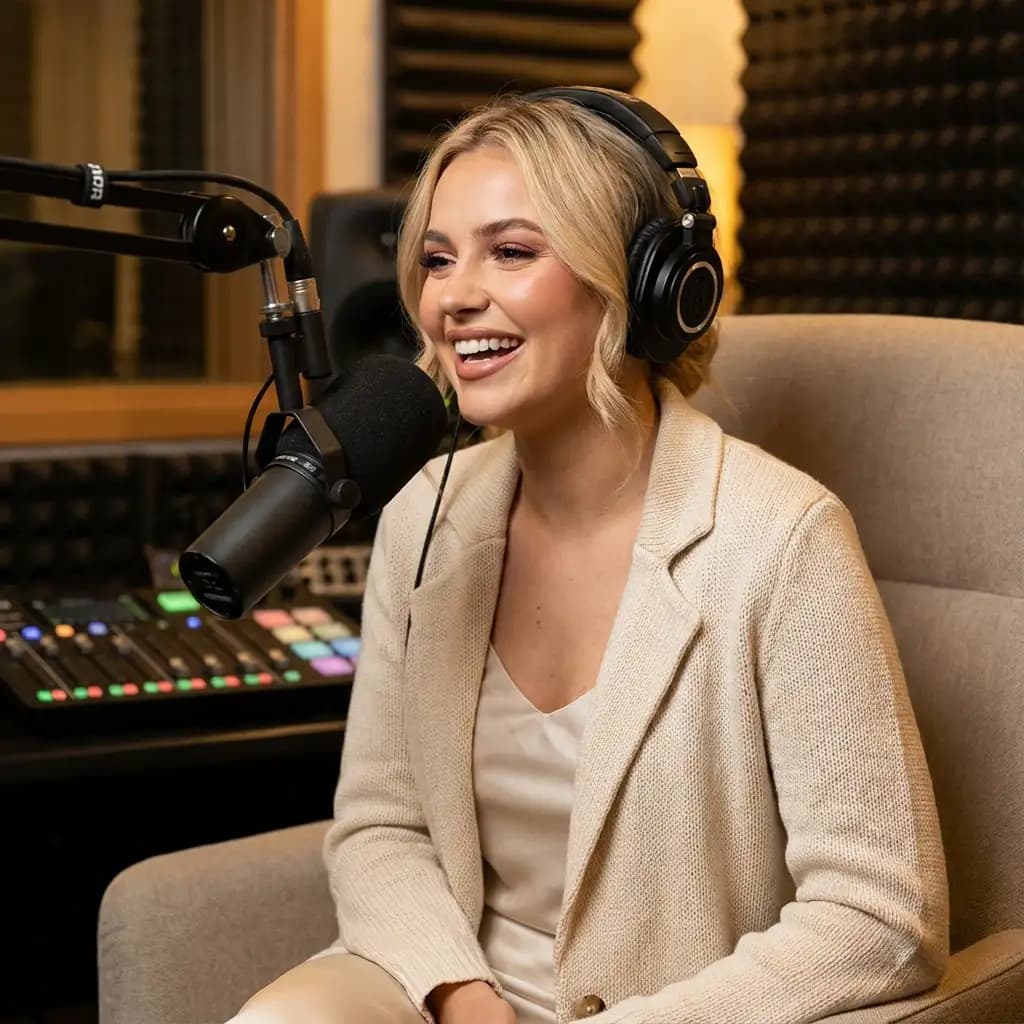
InfiniteTalk's AI-driven model turns a single image and audio input into a lifelike talking avatar video. This innovative tool ensures accurate lip sync, realistic facial expressions, and natural head and body movements. Ideal for producing long-form content, it maintains character consistency over extended sessions without identity drift. Unlike short-clip tools, it supports streaming for creating infinite-length videos, making it perfect for seamless storytelling and prolonged narration needs.