
Knowledge BaseThe AI Directory
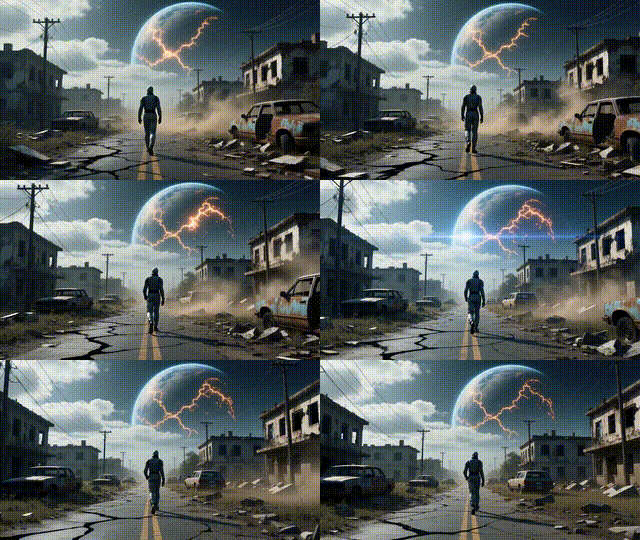
Kling v2.1 | Master | Image to Video

Kling v2.1 Master Image to Video turns a single photo into a short, cinematic animation guided by a simple text prompt. It analyzes the image to add natural-looking motion—like subtle facial expressions, hair movement, or gentle camera pans—while keeping the scene coherent. Choose 5 or 10 seconds and common aspect ratios (16:9, 9:16, 1:1) to match your platform. For best results, use a clear, centered subject and concise, action-driven prompts. Negative prompts can help suppress blur or unwanted styles, and moderate cfg_scale balances creativity with prompt accuracy. Outputs are MP4 and silent, with minor visual shifts possible during animation.

Kling v2.1 | Standard | Image to Video
Kling v2.1 Standard Image to Video turns a single still image into a short, coherent video guided by a simple text prompt. It focuses on temporal consistency to reduce flicker and interprets both image content and prompt to create natural motion. Choose 5 or 10 seconds and common aspect ratios (16:9, 9:16, 1:1) to match your platform. For best results, start with a clear, centered subject and use action verbs like “swaying,” “zooming,” or “panning.” Keep prompts focused to avoid conflicting motions, and use negative prompts to suppress blur or artifacts. Output is an MP4 optimized for smooth short-form playback.
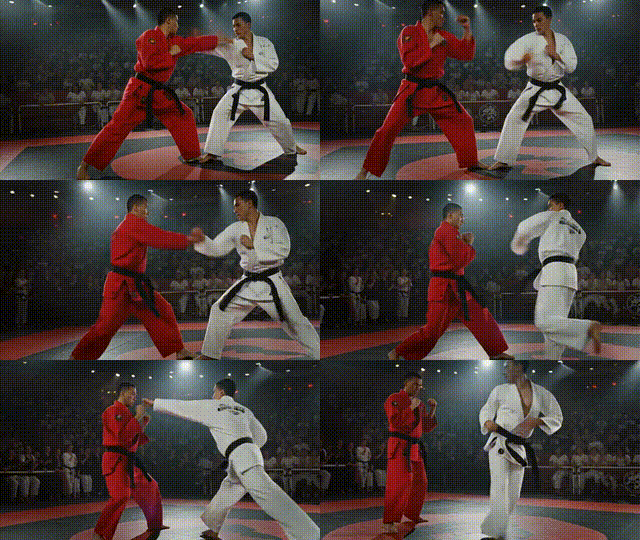
Kling v2.1 | Pro | Image to Video
Kling v2.1 Pro Image to Video turns a single image into a smooth, short video guided by a clear text prompt. It preserves facial and structural details while animating motion that matches the scene, using diffusion-based temporal dynamics to reduce flicker and keep subjects consistent. Choose 5 or 10 seconds and common aspect ratios (16:9, 9:16, 1:1). For best results, use a high-quality image with one primary subject and prompts that align with what’s visible. Add negative prompts to suppress artifacts like camera shake or warping. Backgrounds may animate subtly unless explicitly directed for larger changes. Output is MP4 and silent.

Kling v2.1 | Master | Text to Video
Kling v2.1 Master Text to Video turns clear text prompts into short, visually coherent video clips. It focuses on temporal consistency, reducing flicker and keeping subjects stable across frames while adapting motion to the scene. Describe a single action or moment for best results—like a surfer riding a wave at sunset—and choose an aspect ratio that fits your platform (16:9, 9:16, or 1:1). Use negative prompts to filter out watermarks or distortions, and set CFG around 0.8–0.9 for faithful, literal renders. Outputs are MP4 and silent. Very complex multi-shot narratives, abstract prompts, or heavy choreography may yield inconsistent results.
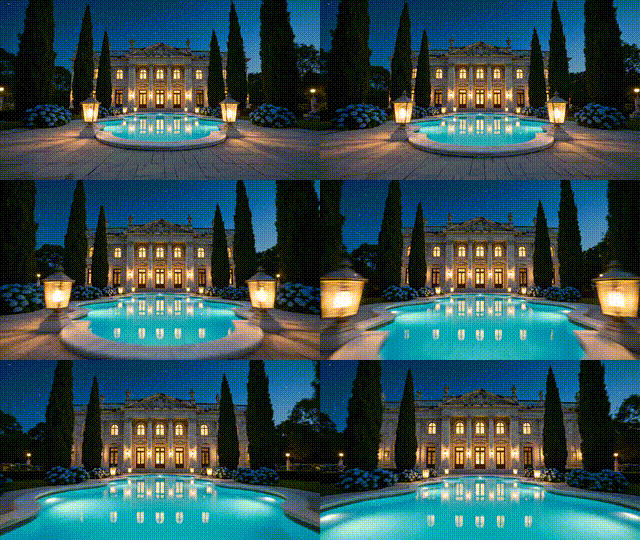
Seedance V1 | Pro | Image to Video

This image-to-video tool turns a single photo or text prompt into realistic, high-quality clips with smooth motion and fine visual detail. Built on advanced diffusion models, it delivers lifelike movement, clear textures, and nuanced lighting that closely resemble real footage. You can choose square, vertical, or horizontal formats, customize quality and duration, and export MP4 videos up to 1080p—ideal for social media, marketing, and creative projects. For best results, use detailed prompts and high-quality reference images, then iterate to refine style and motion. Note that free plans may add watermarks and limit duration (typically up to 5 seconds) and daily credits.
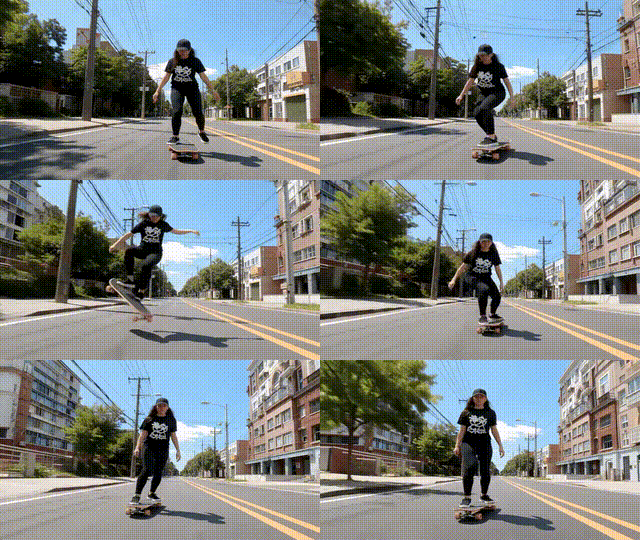
Seedance V1 | Pro | Text to Video
This text-to-video system converts natural language into high-quality, cinematic clips with smooth motion and strong narrative coherence. It supports multi-shot storytelling, maintains subject consistency, and adapts to diverse visual styles from photorealistic to illustrative. Outputs are MP4 videos up to 1080p at 24 FPS, with 5- or 10-second durations and flexible aspect ratios for widescreen or vertical platforms. Reinforcement-tuned prompt adherence helps translate detailed scene, mood, and camera directions into cohesive sequences. For best results, use clear, context-rich prompts, specify transitions and movement, and iterate to refine style and continuity. Ideal for marketing, social content, storyboarding, and professional creative workflows.
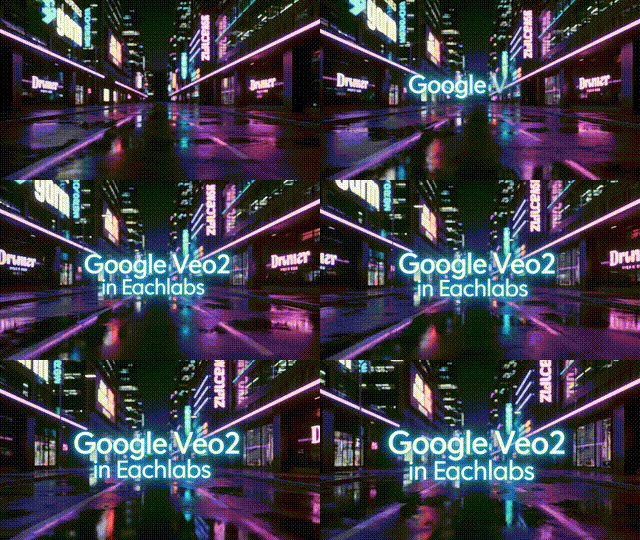
Google Veo 2 | Image to Video

This image-to-video tool turns a single photo or text prompt into high-quality, lifelike clips with cinematic motion and precise camera control. Built on advanced diffusion–transformer techniques, it maintains strong temporal consistency, clear details, and faithful prompt adherence across frames. Users can customize shots with pans, tilts, zooms, and varied visual styles, while high-resolution outputs reach up to 4K at 24–30 fps. For best results, start with high-quality images and specific, action-focused prompts, then iterate to refine motion and composition. It handles complex actions and dynamic scenes, making it ideal for professional production, marketing assets, creative storytelling, and rapid concept prototyping.
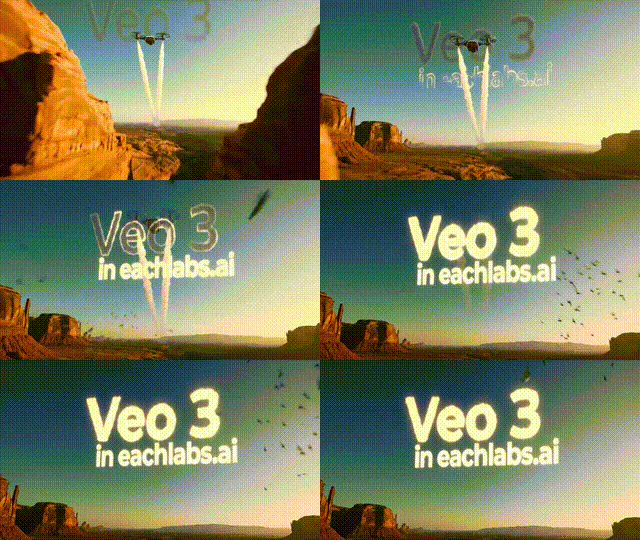
Google Veo 3
This text-to-video tool turns clear, natural-language prompts into short, cinematic clips with realistic detail and smooth camera motion. It supports diverse styles—like aerial shots, slow motion, and first-person views—and offers fine control through language, including zooms, pans, and dollies. Videos render up to 1080p in preview and reach up to 30 fps with improved temporal and spatial coherence. Use concrete, safe prompts for best results, and optional seed values for repeatability. While it excels at realism and motion tracking, abstract prompts can cause ambiguity, and occasional flicker or deformation may occur. Outputs are short MP4 clips ideal for concepting and teasers.
Newly Released AI Models & Features
Most Popular
Alibaba | Wan 2.7 | Image Edit
Alibaba Wan 2.7 Image Edit is the latest Wan-series image editing model developed by Alibaba, offering improved instruction comprehension and editing precision for a wide range of modifications including style changes, object edits, and scene alterations. Built on the Wan 2.7 architecture, this model handles complex natural language editing instructions with greater semantic accuracy than earlier versions. Best suited for product photo editing, creative retouching, and high-volume commercial image transformation pipelines.
Seedance V1.5 | Pro | Text to Video
Discover a groundbreaking way to create videos with the seedance-v1.5 text-to-video AI model by Bytedance. This innovative tool transforms text prompts into captivating, high-quality videos with synchronized audio, effectively removing the need for post-editing. With advanced camera controls like dolly zooms and tracking shots, you can produce cinematic clips in a matter of minutes. Perfect for creators wanting quick and engaging content, it generates 5-10 second videos at up to 1080p resolution in just one streamlined process.
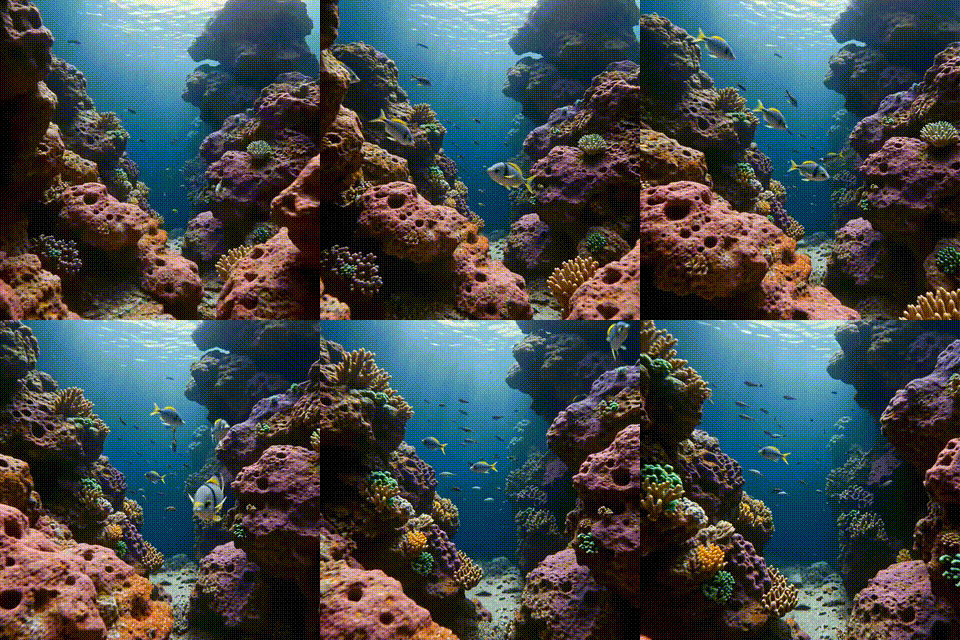
Seedance V1.5 | Pro | Image to Video
Bytedance's seedance-v1.5-pro-image-to-video transforms static images into dynamic videos with synchronized audio, removing the need for post-production editing. Utilizing a unique Diffusion-Transformer architecture, it processes visuals and audio simultaneously, achieving precise lip-sync and sound matching. This AI model is perfect for creators needing professional-grade image-to-video solutions, supporting 5-10 second clips at up to 1080p resolution. It maintains character identity and fine details while adding immersive soundscapes, offering an all-in-one solution for cinematic video creation.
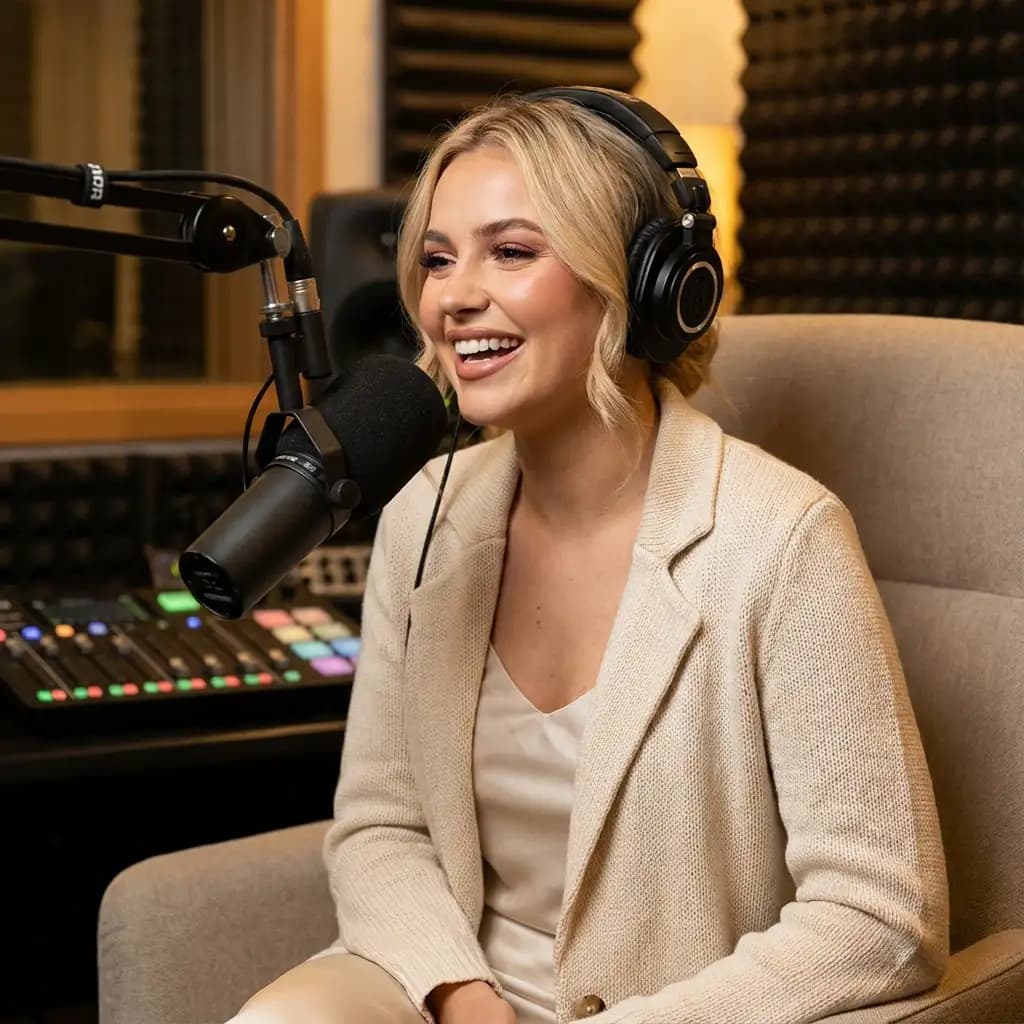
Infinitalk | Image to Video
InfiniteTalk's AI-driven model turns a single image and audio input into a lifelike talking avatar video. This innovative tool ensures accurate lip sync, realistic facial expressions, and natural head and body movements. Ideal for producing long-form content, it maintains character consistency over extended sessions without identity drift. Unlike short-clip tools, it supports streaming for creating infinite-length videos, making it perfect for seamless storytelling and prolonged narration needs.