
Knowledge BaseThe AI Directory

Kling v1 | Pro | Image to Video

Kling v1 Pro Image to Video transforms a single high-quality image into a smooth, coherent video guided by a concise text prompt. It preserves visual identity and structure while animating motion that fits the scene, with options for 5 or 10 seconds and common aspect ratios (16:9, 9:16, 1:1). You can refine flow using an optional tail image for smoother endings and a static mask to keep selected regions still. Use clear, descriptive prompts and negative prompts to remove blur or artifacts. Results are strongest when the prompt aligns with visible elements in the image. Output is MP4 and silent.

Kling v1.6 | Pro | Effects
Kling v1.6 Pro Effects turns one or two portraits into short, stylized video clips using preset animation templates. Choose from gestures like hugs, kisses, and heart signs, or playful effects such as squish, fuzzy blur, bloom, and dizzy spins. The system auto-scales your images to the chosen aspect ratio and renders smooth, keyframed motion as MP4 in 5 or 10 seconds. For dual-subject templates, provide a second image with matching pose, lighting, and head size for natural results. Use clear, centered head-and-shoulders photos and simple backgrounds to preserve identity and reduce artifacts. Note that templates aren’t customizable and audio isn’t included.
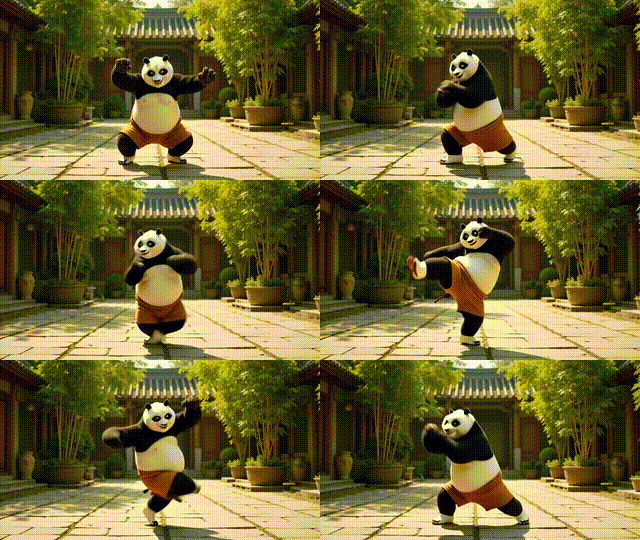
Runway | Act-Two

Runway Act-Two turns performance videos into realistic character animations by transferring gestures and expressions.

Kling v1.6 | Pro | Elements
Kling v1.6 Pro Elements turns multiple reference images and a concise prompt into a cohesive short video. Optimized for 2-4 inputs, it preserves character identity—face, body, clothing—while interpolating motion for smooth, consistent clips up to 10 seconds. You can guide look and feel with text prompts, choose aspect ratios like 16:9, 9:16, or 1:1, and use negative prompts to avoid unwanted artifacts. For best results, use centered, high-resolution images with similar lighting and angles. Pro Elements is ideal for character reveals, stylized social posts, and animated profile sequences. Note: no audio or lip sync; mismatched inputs can cause flicker.

Kling v1 | Pro | Text to Video
Kling v1 Pro Text to Video turns clear English prompts into short, coherent video clips with smooth motion and stable framing. Optimized for 1–3 second synthesis internally and exported as 5 or 10 second MP4s, it maintains temporal consistency while interpreting objects, environments, and actions. You can choose 16:9 or 9:16 aspect ratios and guide style with concise, visual wording plus negative prompts to avoid blur or distortions. Use CFG around 0.7–0.9 for balanced fidelity and creativity. It’s ideal for mood boards, social visuals, and quick motion concepts. Note: no audio, subtitles, or lip-sync; fixed resolution and frame rate.

Kling v1 | Standard | Text to Video
Kling v1 Standard Text-to-Video turns concise text prompts into short, cinematic video clips. Choose 5 or 10 seconds and common aspect ratios (16:9, 9:16, 1:1) to match your platform. You can guide the look with visual nouns and cinematic adjectives, refine results using negative prompts, and apply preset camera motions like pan, tilt, roll, or zoom for dynamic shots. The model aims for realistic, physically plausible scenes and delivers smooth MP4 outputs with consistent framing. Keep prompts clear to avoid instability, and use moderate camera settings for clean motion. Note: videos are silent and limited to predefined motion and durations.

PixVerse v4 | Image to Video
Pixverse is a model designed to generate dynamic video content from static images.
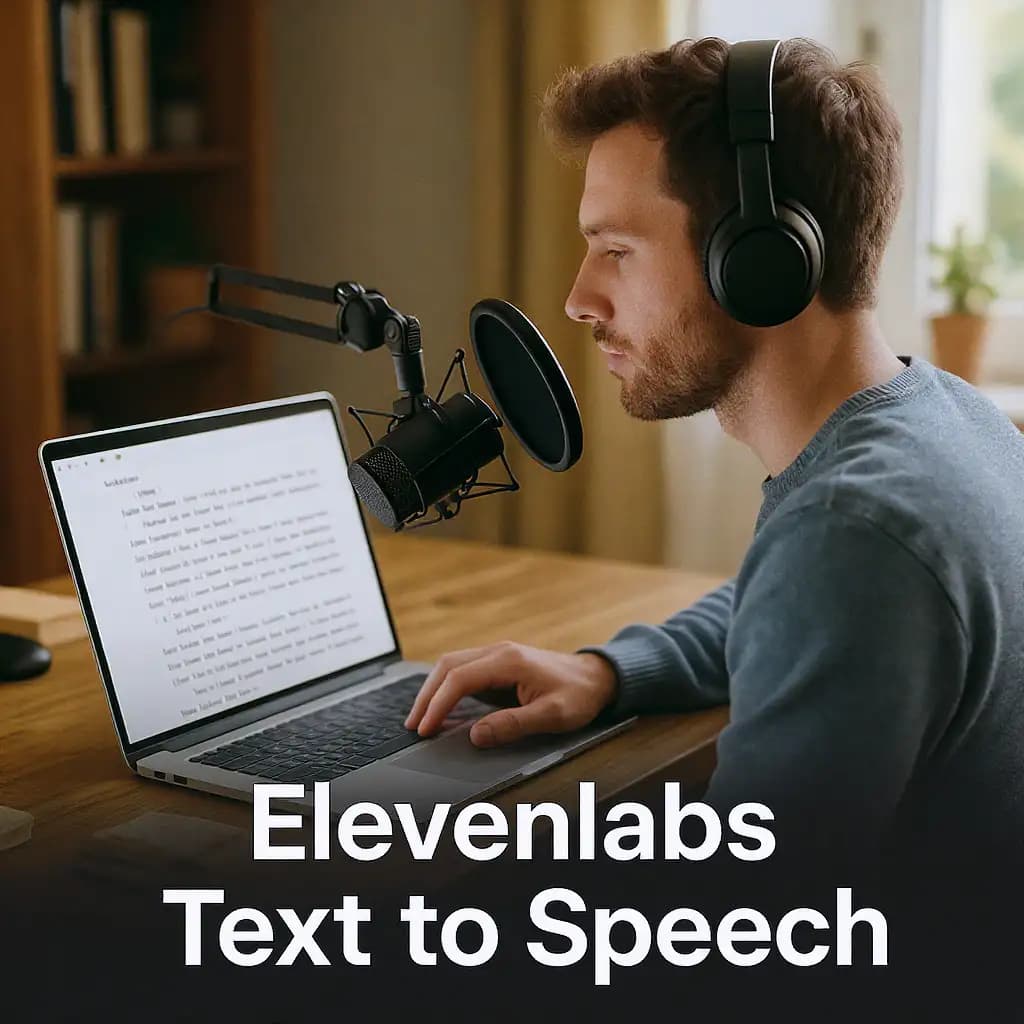
ElevenLabs | Text to Speech

Generates natural-sounding speech from written text. Delivers clear pronunciation, smooth pacing, and expressive tone—ideal for voiceovers, narration, and digital content.
Newly Released AI Models & Features
Most PopularSeedance V1.5 | Pro | Text to Video
Discover a groundbreaking way to create videos with the seedance-v1.5 text-to-video AI model by Bytedance. This innovative tool transforms text prompts into captivating, high-quality videos with synchronized audio, effectively removing the need for post-editing. With advanced camera controls like dolly zooms and tracking shots, you can produce cinematic clips in a matter of minutes. Perfect for creators wanting quick and engaging content, it generates 5-10 second videos at up to 1080p resolution in just one streamlined process.

Seedance V1.5 | Pro | Image to Video
Bytedance's seedance-v1.5-pro-image-to-video transforms static images into dynamic videos with synchronized audio, removing the need for post-production editing. Utilizing a unique Diffusion-Transformer architecture, it processes visuals and audio simultaneously, achieving precise lip-sync and sound matching. This AI model is perfect for creators needing professional-grade image-to-video solutions, supporting 5-10 second clips at up to 1080p resolution. It maintains character identity and fine details while adding immersive soundscapes, offering an all-in-one solution for cinematic video creation.
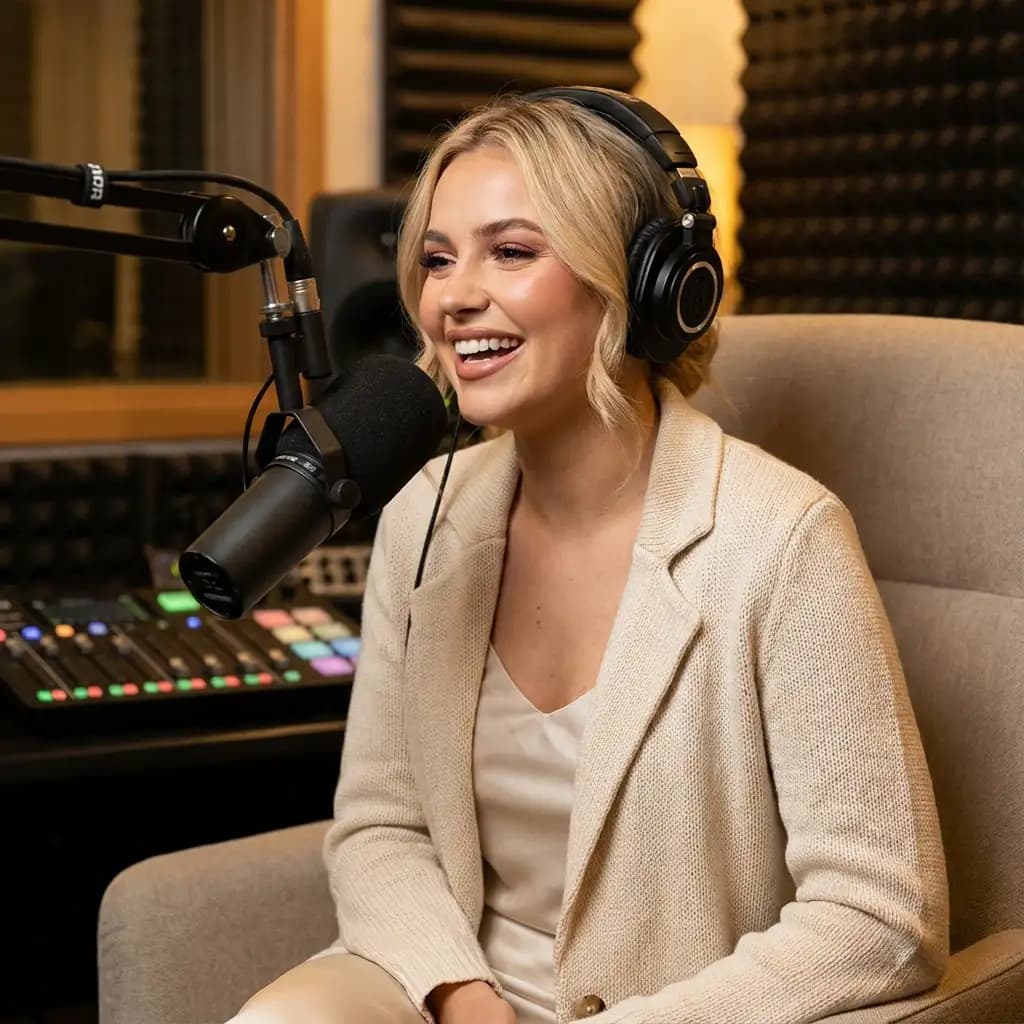
Infinitalk | Image to Video
InfiniteTalk's AI-driven model turns a single image and audio input into a lifelike talking avatar video. This innovative tool ensures accurate lip sync, realistic facial expressions, and natural head and body movements. Ideal for producing long-form content, it maintains character consistency over extended sessions without identity drift. Unlike short-clip tools, it supports streaming for creating infinite-length videos, making it perfect for seamless storytelling and prolonged narration needs.
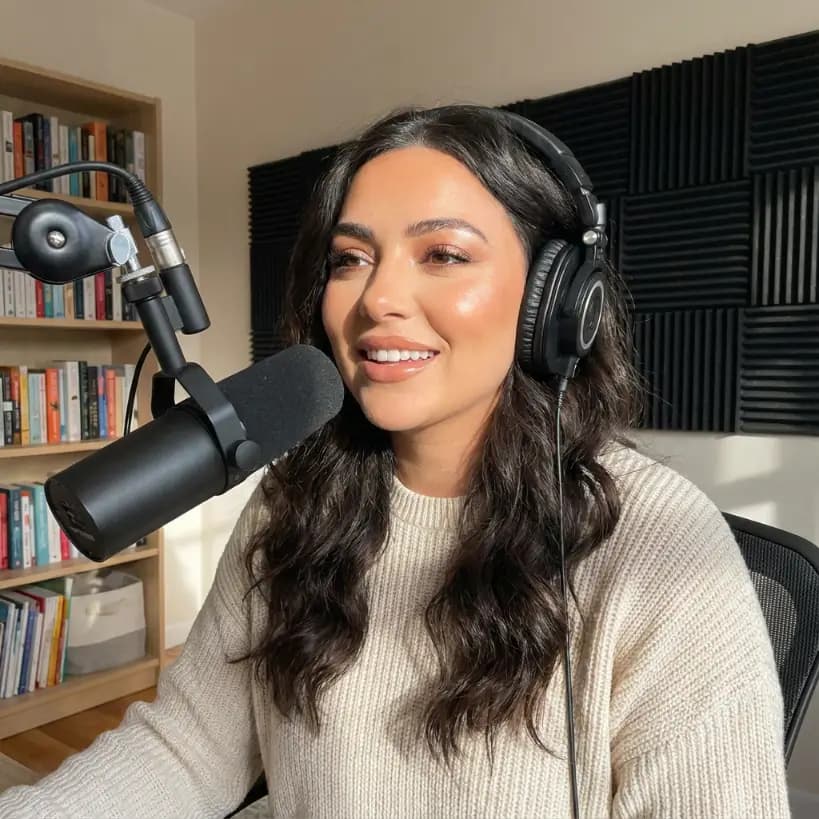
Bytedance | Omnihuman v1.5
The Omnihuman-v1.5 AI model developed by Bytedance transforms static images into dynamic video performances by integrating a reference image with audio input. Unlike typical text-based video generation, this model focuses on capturing a specific person or character, offering creators fine control over the identity in the video. Targeting creators, marketers, and developers, it helps produce high-quality talking-head and full-body videos efficiently. With advanced lip-sync and emotional gestures, the model outputs synchronized animations in HD, making interactive and emotive visuals achievable without costly setups.