
Knowledge BaseThe AI Directory

Veo 3.1 | Text to Video | Fast
A faster and more cost-efficient version of Veo 3.1. Delivers quick, high-quality text-to-video generations ideal for social media content or ad prototypes.
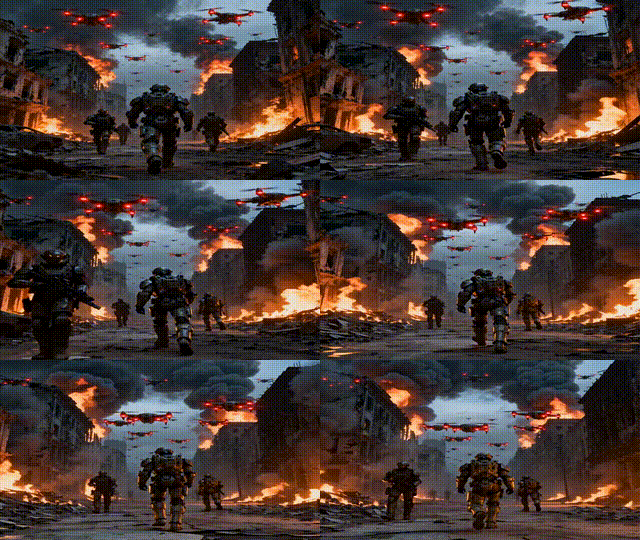
Vidu Q1 | Reference to Video

Vidu Q1 Reference to Video turns reference photos into a realistic and consistent video scene.

Logo Generator

Logo Generator creates clean, professional logos from short text prompts and style cues, producing high-resolution, print-ready results. It’s optimized for clarity and scalability, with options for PNG and, in some versions, SVG for easy editing. Describe your brand, industry, colors, shapes, and style (e.g., minimalist, geometric, flat) to guide the design. You can iterate quickly: review an initial concept, refine your prompt, and regenerate for better fit. It excels at modern, minimal marks and icons for startups, websites, and marketing assets. While highly intricate or photorealistic designs are out of scope, concise, specific prompts yield distinctive, brand-ready logos fast.
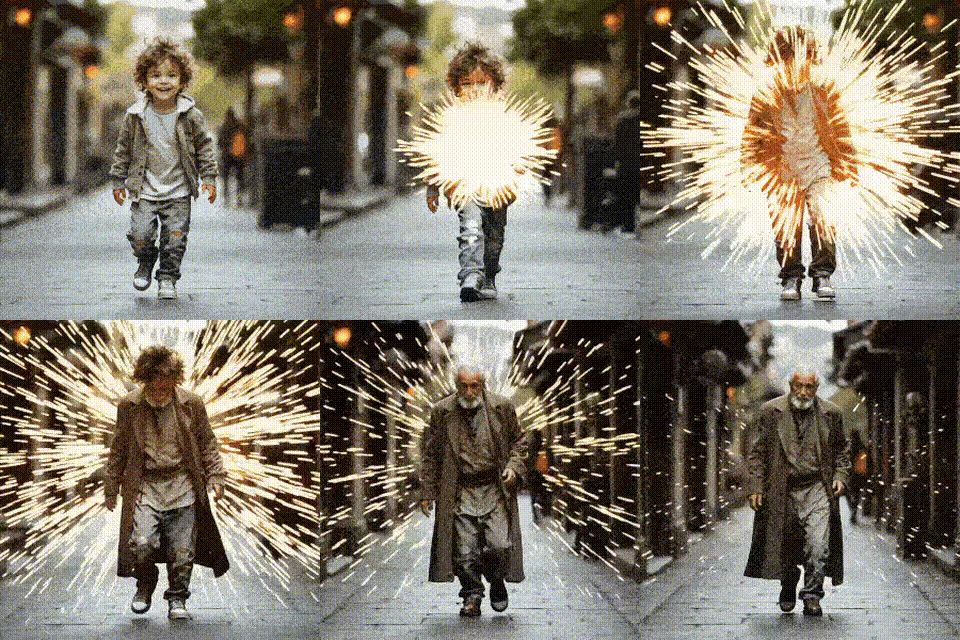
PixVerse v4 | Transition
Pixverse Transition creates short videos by smoothly morphing from a starting image to an ending image, guided by a concise text prompt that sets style and mood. You control duration (5s for quick cuts, 8s for gradual changes), resolution (360p–1080p), and motion mode (normal for smooth, fast for energetic). For best results, use images with the same aspect ratio, similar lighting/orientation, and clear subjects. A fixed seed ensures repeatability. While the prompt stylizes the in-between frames, very different inputs can reduce coherence. Exports are MP4, making it ideal for intros/outros, social clips, and visual storytelling transitions.

Eachlabs Image Upscaler | Pro | v1
Eachlabs Image Upscaler Pro v1 enhances low-resolution images into sharper, higher-resolution results while preserving natural textures, edges, and color accuracy. Built on advanced super-resolution techniques (ESRGAN/transformer-inspired), it supports 2x, 4x, and iterative upscaling for cleaner outcomes with fewer artifacts than traditional methods. Ideal for photography, digital art, restoration, e-commerce, and production pipelines, it handles JPEG/PNG/TIFF and batch workloads, with best results on reasonably clean inputs. For optimal quality, pre-clean noisy or heavily compressed images, upscale in smaller increments, and apply light post-processing if needed. GPU acceleration is recommended for large images or batches to balance speed and fidelity.
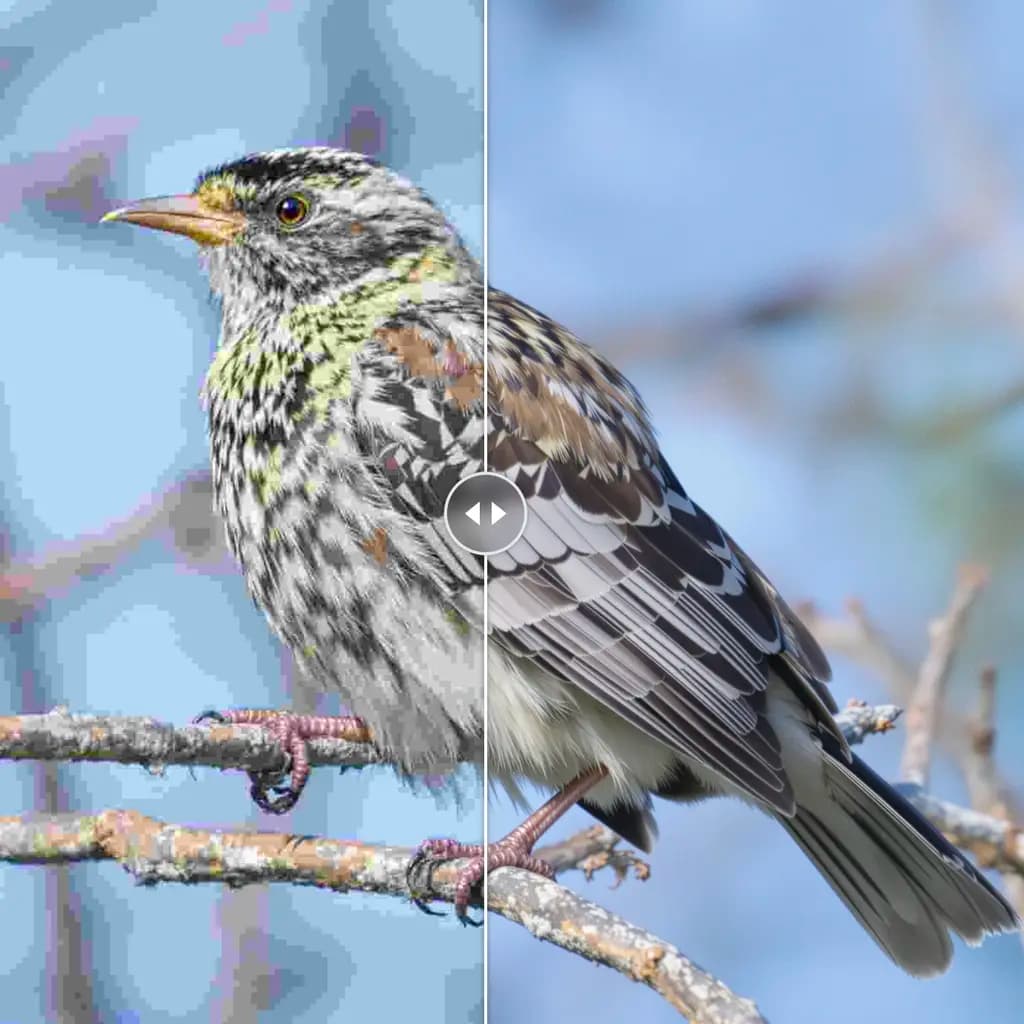
CCSR Upscaler
CCSR is a content-aware upscaler for images and video that boosts resolution while preserving structure, sharpness, and semantic consistency. It reduces common artifacts like blur and distortion, making it ideal for restoration, archival work, graphic design, and high-quality prints. Built on diffusion-inspired, U-Net–style methods, CCSR supports multi-image merging and iterative refinement, with adjustable parameters to balance fidelity, speed, and memory use. For best results, upscale in stages, use consistent reference images, and keep diffusion steps moderate. It handles standard formats (JPEG/PNG/TIFF) and video frame sequences, offering strong control over output quality for both professional and creative workflows.
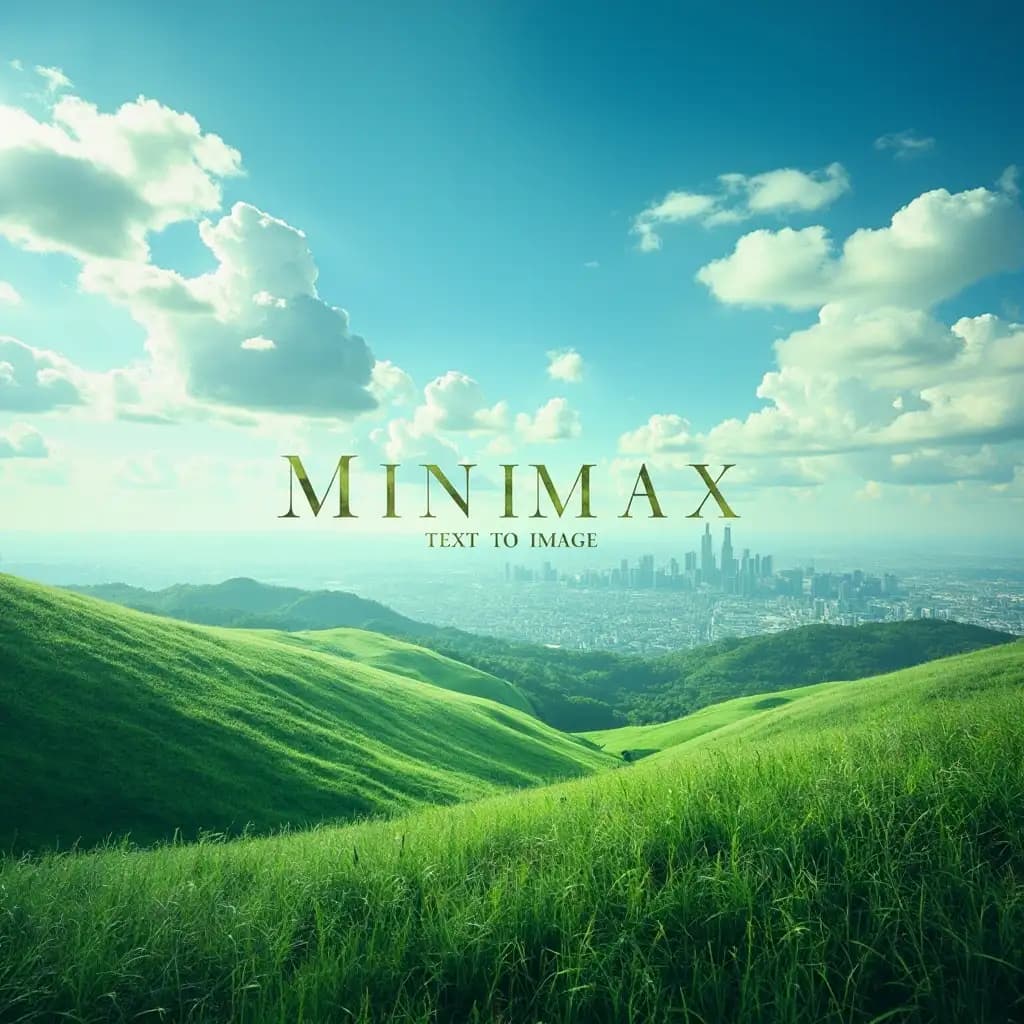
Minimax | Text to Image

Hailuo Image Model turns detailed text prompts into high-quality images across styles, from photorealistic to abstract. It’s flexible and intuitive: describe your subject, lighting, colors, mood, and background, and select an aspect ratio to shape composition (square, widescreen, portrait, and more). You can enable a prompt optimizer for clearer results or disable it for precise control. Expect fast generations at standard resolutions, with longer times for higher quality. Outputs can vary per run, and extremely intricate scenes, readable text, and tiny details may be imperfect. For best results, keep prompts structured, avoid conflicting instructions, and iterate with small variations.
ElevenLabs | Sound Effects

The elevenlabs-sound-effects model turns text descriptions into crisp, realistic sound effects for video, games, and creative projects. Describe exactly what you need—like “gentle rain on a tin roof at night” or “sci‑fi door hiss with metallic echo”—and it generates 48kHz audio up to 30 seconds. A seamless loop option creates continuous ambience without clicks, and you can export WAV or MP3 for easy editing. For complex scenes, iterate on prompts or generate multiple variations to layer richer soundscapes. Longer or intricate requests may take more time, but asynchronous processing helps. MIDI integration enables real-time control for advanced workflows.
Newly Released AI Models & Features
Most PopularSeedance V1.5 | Pro | Text to Video
Discover a groundbreaking way to create videos with the seedance-v1.5 text-to-video AI model by Bytedance. This innovative tool transforms text prompts into captivating, high-quality videos with synchronized audio, effectively removing the need for post-editing. With advanced camera controls like dolly zooms and tracking shots, you can produce cinematic clips in a matter of minutes. Perfect for creators wanting quick and engaging content, it generates 5-10 second videos at up to 1080p resolution in just one streamlined process.

Seedance V1.5 | Pro | Image to Video
Bytedance's seedance-v1.5-pro-image-to-video transforms static images into dynamic videos with synchronized audio, removing the need for post-production editing. Utilizing a unique Diffusion-Transformer architecture, it processes visuals and audio simultaneously, achieving precise lip-sync and sound matching. This AI model is perfect for creators needing professional-grade image-to-video solutions, supporting 5-10 second clips at up to 1080p resolution. It maintains character identity and fine details while adding immersive soundscapes, offering an all-in-one solution for cinematic video creation.
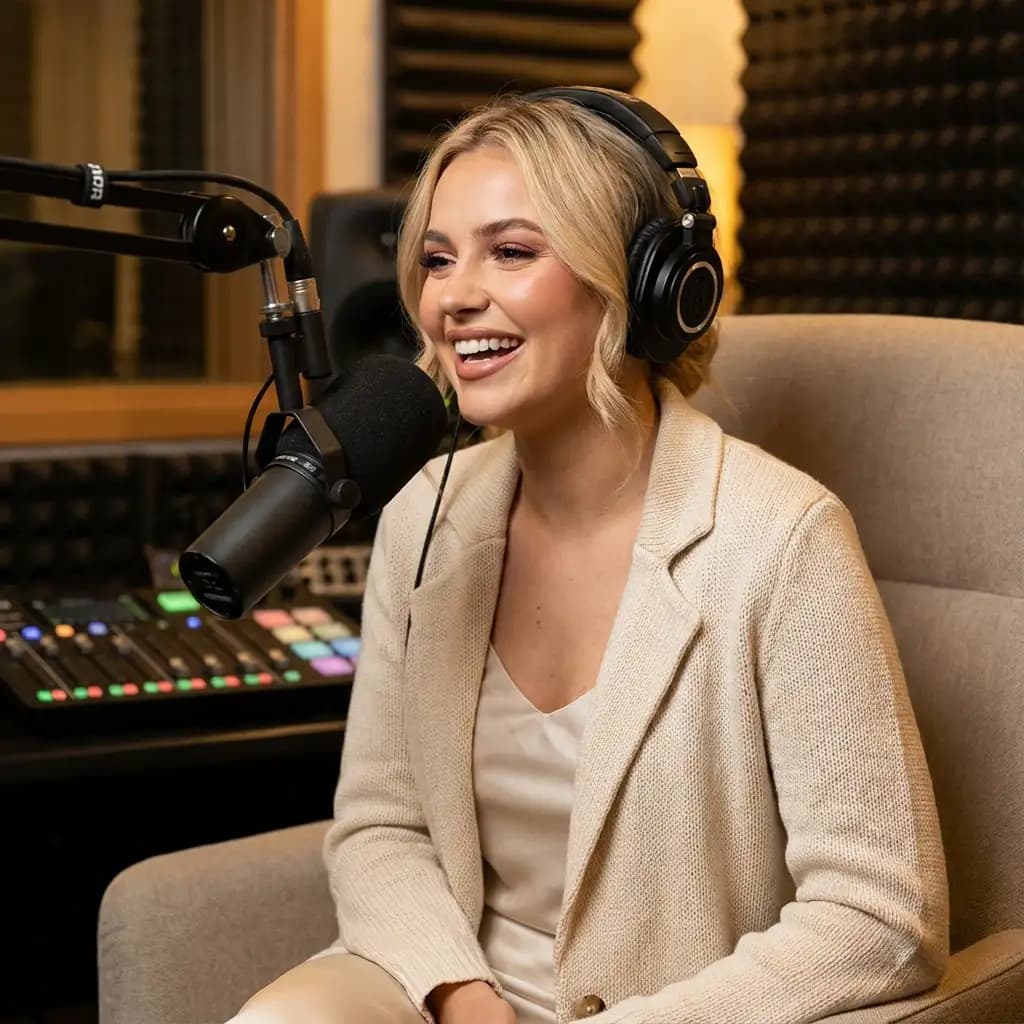
Infinitalk | Image to Video
InfiniteTalk's AI-driven model turns a single image and audio input into a lifelike talking avatar video. This innovative tool ensures accurate lip sync, realistic facial expressions, and natural head and body movements. Ideal for producing long-form content, it maintains character consistency over extended sessions without identity drift. Unlike short-clip tools, it supports streaming for creating infinite-length videos, making it perfect for seamless storytelling and prolonged narration needs.
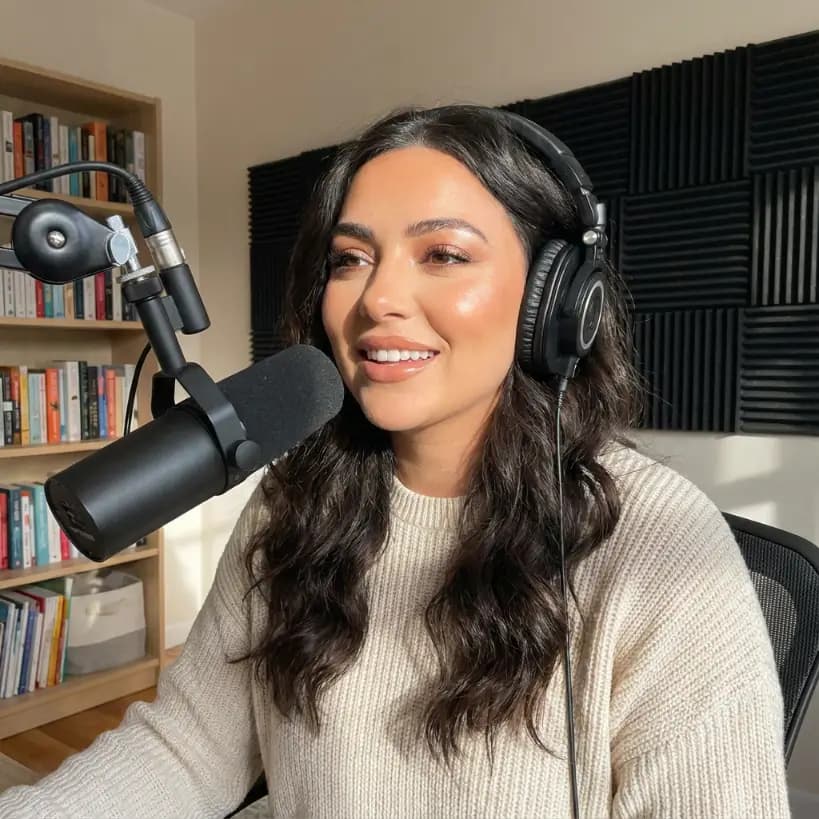
Bytedance | Omnihuman v1.5
The Omnihuman-v1.5 AI model developed by Bytedance transforms static images into dynamic video performances by integrating a reference image with audio input. Unlike typical text-based video generation, this model focuses on capturing a specific person or character, offering creators fine control over the identity in the video. Targeting creators, marketers, and developers, it helps produce high-quality talking-head and full-body videos efficiently. With advanced lip-sync and emotional gestures, the model outputs synchronized animations in HD, making interactive and emotive visuals achievable without costly setups.