
Knowledge BaseThe AI Directory
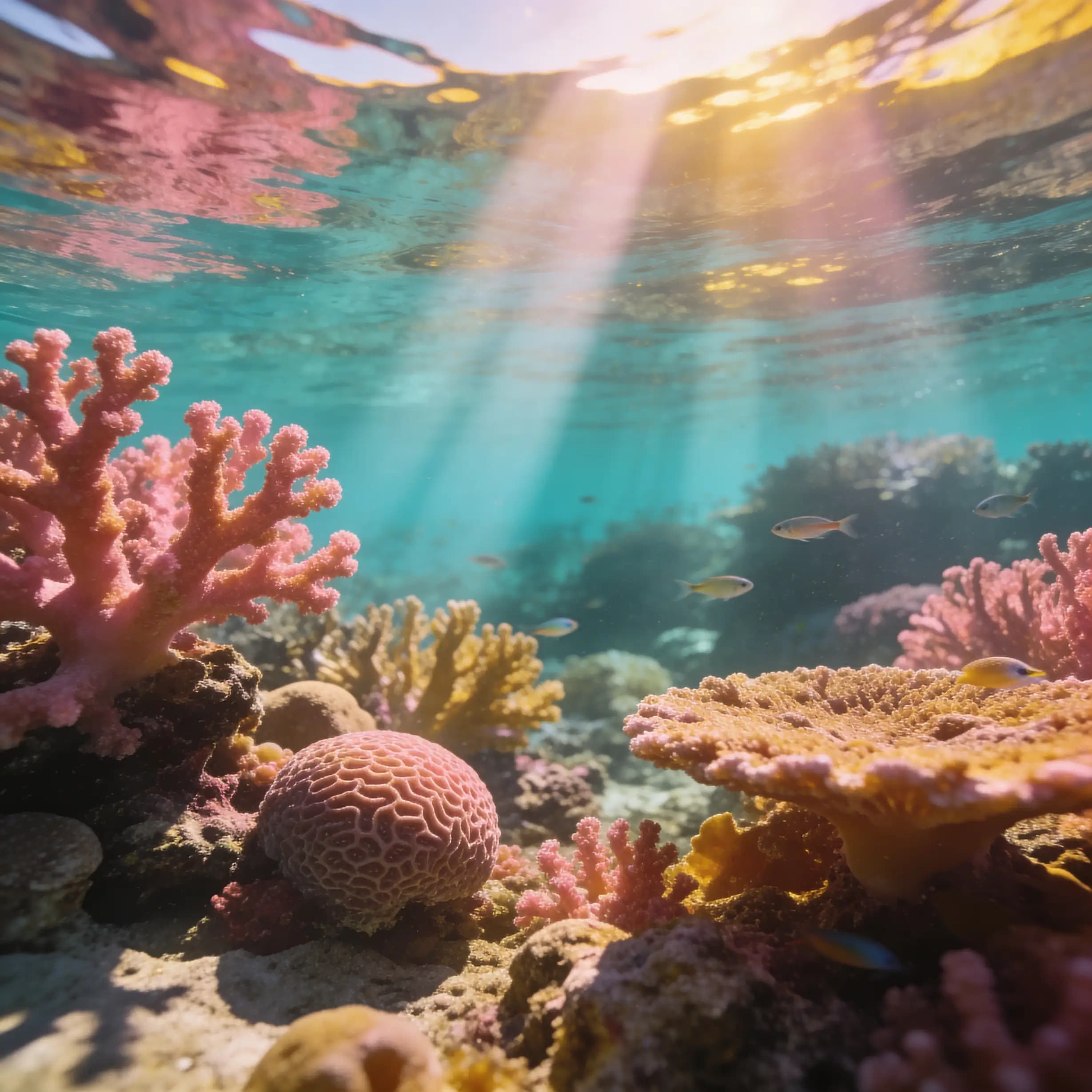
Bytedance | Seedream | v5 | Lite | Text to Image
Delivers clear and precise text instructions that enable the model to quickly generate a high-quality image matching the described vision.

Nano Banana 2 | Text to Image

Nano Banana 2 delivers next-generation text-to-image generation, producing ultra high-quality visuals with enhanced detail, realism, and prompt accuracy.

Nano Banana 2 | Edit
Nano Banana 2 Edit enables advanced image-to-image transformations, delivering ultra high quality refinements, seamless edits, and precise control guided by your prompt.
Kling | o3 | Standard | Text to Video

Kling O3 provides realistic, high-quality videos with smooth motion and strong visual coherence.

Kling O1 | Image to Video
Bring your still images to life with smooth, cinematic motion. This image-to-video tool turns one or two reference images into a coherent short clip guided by a clear text prompt. Define subject, environment, camera movement (e.g., slow dolly or orbit), lighting, and style to achieve consistent, film-like results. Start with moderate clip lengths and resolution for best temporal stability, then upscale if needed. Keep start/end images stylistically aligned to avoid warping or flicker, and iterate with short tests to refine prompts. Ideal for previsualization, concept reels, marketing motion assets, and social content where you need fast, high-impact animation from static visuals.

Bytedance | Seedream | v4.5 | Edit
Seedream 4.5 Edit delivers high‑fidelity, prompt‑driven image edits while preserving subject identity, lighting, color balance, and fine material detail. Built on a unified generation/editing architecture, it handles single images and multi‑image batches with strong cross‑image consistency—ideal for portraits, products, and branded visuals. You can precisely recolor products, apply cinematic grades, replace backgrounds, and add dense, legible typography, all while keeping composition intact. For best results, structure prompts with “preserve” then “change” instructions, iterate at 1–2K previews, and finalize near 4K for sharp details and clean text. It enables retoucher‑level control, consistent series outputs, and professional production quality.
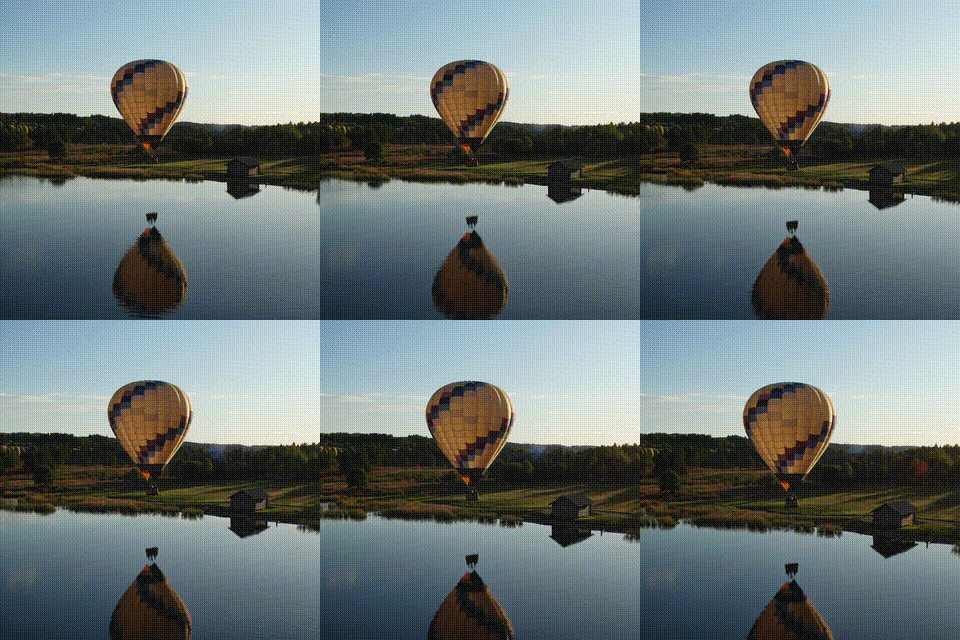
Kling | v2.6 | Pro | Image to Video
Kling‑v2.6 turns text or a single image into short, cinematic videos with native, synchronized audio generated alongside the visuals. It preserves core identity from the reference image while adding realistic motion, camera moves, and context‑aware sound (dialogue, ambience, SFX). Optimized for 5–10 second clips, it excels at motion realism, lip sync, and temporal coherence, making it ideal for ads, previews, explainers, and quick concept tests. Clear prompts that specify camera motion, subject actions, and audio style deliver the best results. Start with high‑quality images and focused directions; iterate in short segments to reduce artifacts and maintain consistency across shots.

Flux 2 Pro

Flux 2 Pro is a next-generation text-to-image model built for creators who need striking, true-to-life results. Type a clear prompt and it follows it with precision, turning ideas into images with sharp textures, natural lighting, and convincing faces and hands. Its advanced engine balances detail and composition, so busy scenes with multiple subjects remain clean and coherent. Whether you’re designing ads, storyboards, product shots, or concept art, Flux 2 Pro delivers fast, reliable visuals ready for professional workflows. Create photoreal images, iterate quickly, and maintain consistent quality from first draft to final render without wrestling with complicated settings.
Newly Released AI Models & Features
Most Popular
Minimax Music 2.6
MiniMax Music 2.6 is a cutting-edge AI tool that creates entire music tracks based on provided lyrics and style inputs. It effortlessly merges vocals, background music, and intricate arrangements to deliver high-quality musical compositions. Perfect for artists and music producers, this technology offers a seamless solution for instant music creation without needing an extensive musical background. Experience the future of music production with this innovative, user-friendly platform that transforms your musical ideas into reality.


Stable Audio 2.5
Stable Audio 2.5 by StabilityAI is a cutting-edge tool for creating high-quality music and sound effects. This model is designed to provide professional-grade audio, making it perfect for a variety of applications. Whether you're producing music for entertainment or crafting soundscapes for media projects, Stable Audio 2.5 delivers state-of-the-art audio generation capabilities. Experience the future of audio technology with this versatile and powerful platform, ideal for artists, producers, and creators looking to elevate their sound projects.

Elevenlabs Sound Effects V2
Elevenlabs Sound Effects V2 provides top-notch sound effects, perfect for sound designers and multimedia experts. With state-of-the-art technology, it delivers high-quality and diverse audio outputs that meet the needs of creative projects. Whether you're working on movies, games, or any audio-focused project, this model ensures exceptional sound quality and versatility. It's an essential tool for professionals looking to enhance their audio production with innovative and reliable sound effects.


MiniMax Music 3
MiniMax Music 3 is an innovative music generation model that creates full songs lasting up to five minutes. Utilizing cutting-edge machine learning, it crafts seamless and engaging compositions for diverse musical styles and purposes. Whether you're producing a pop hit or an instrumental track, this model's capability to understand and interpret different genres makes it an excellent choice for musicians and producers alike. Its sophisticated technology ensures that each piece is not only coherent but also musically captivating, providing endless possibilities for creative exploration.