
Knowledge BaseThe AI Directory

Pixverse v5 | Text to Video
This text-to-video tool turns clear prompts into cinematic clips with lifelike motion, realistic lighting, and coherent scene flow—often rendered in seconds. It supports text, image, and video extension inputs, plus key frame control and multi-image fusion to lock style and narrative. Describe subjects, actions, camera moves, and mood for accurate results, then iterate to refine timing and detail. Shorter durations help maintain consistency at HD resolutions up to 1080p. Ideal for marketing spots, social clips, storyboards, and educational explainers, it balances speed with high fidelity, delivering smooth motion, believable physics, and rich textures across a wide range of styles.
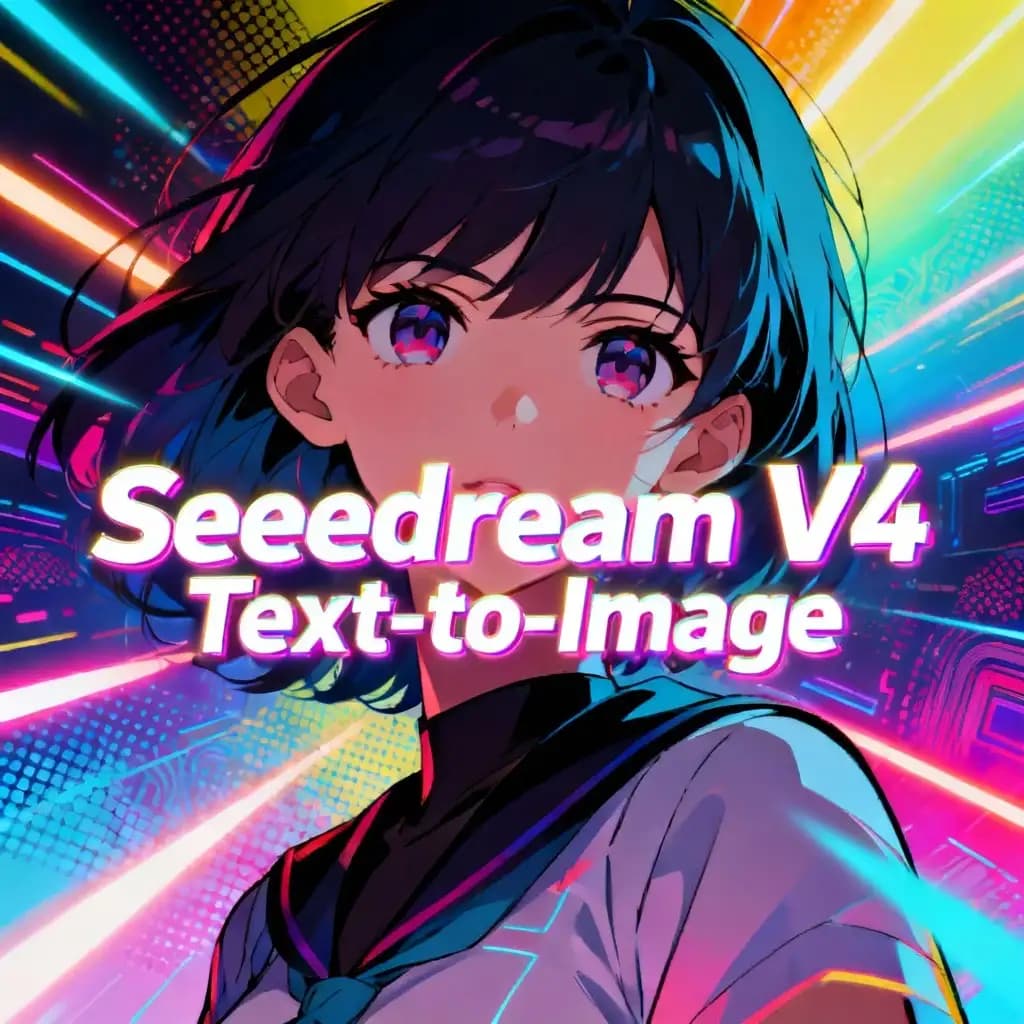
Seedream V4 | Text to Image

This text-to-image system creates ultra-realistic visuals at up to 4K, fast enough for near real-time 2K drafts. It understands detailed prompts and supports multi-image references to keep characters, products, and styles consistent across scenes. Use it for product photography, landscapes, anime, and advertising visuals, or for precise image edits like background swaps and object insertions. Batch generation accelerates A/B testing and scalable content production. For best results, combine clear scene descriptions with style and mood keywords, adjust aspect ratios to your use case, and iterate on wording for finer composition and detail. Outputs are commercial-ready with accurate text rendering.
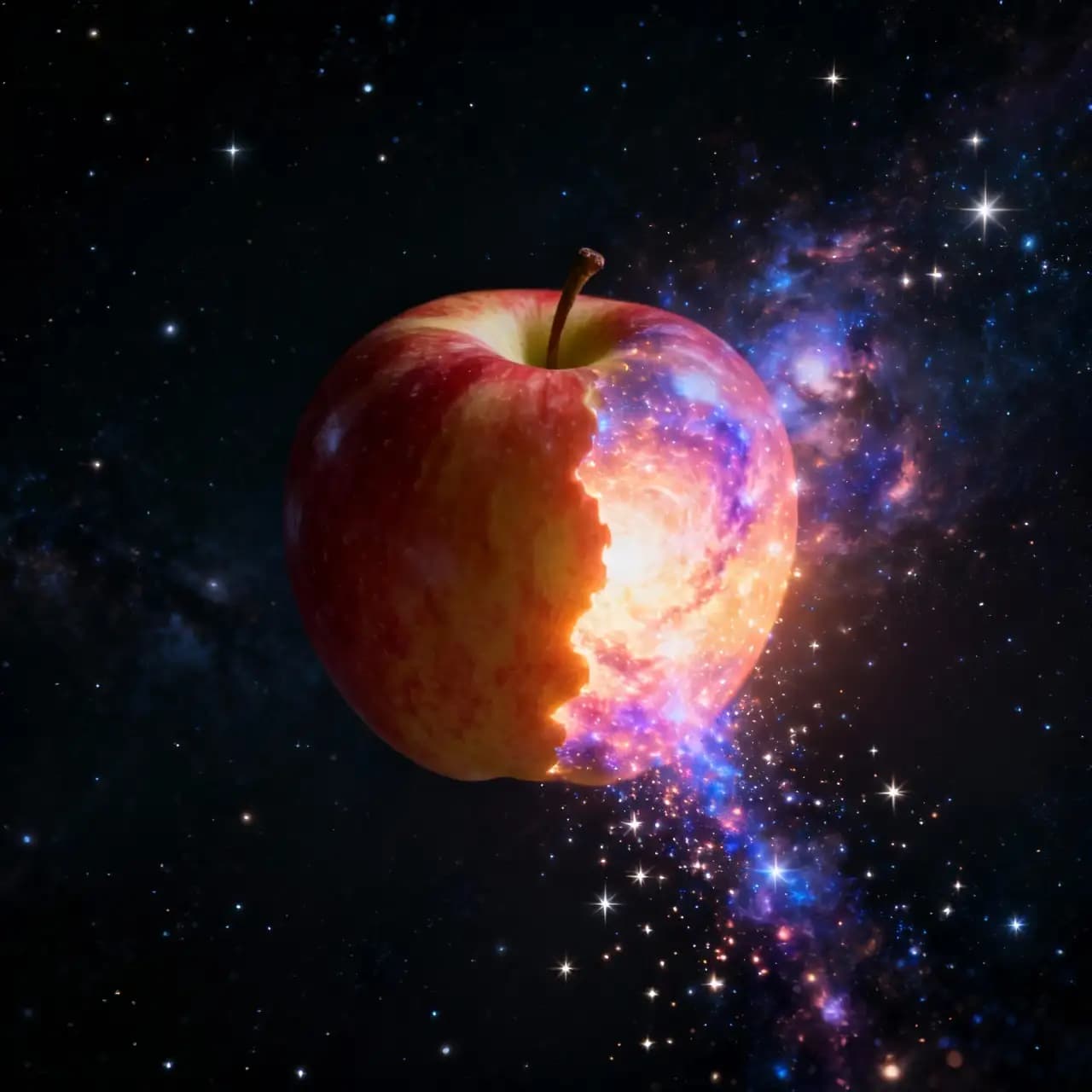
Seedream V4 | Edit
This advanced editor transforms images with photorealistic precision—swap backgrounds, add or remove objects, and keep style and identity consistent across sets. It understands natural language prompts deeply, supports multiple reference images, and delivers ultra‑fast results up to 2K in under two seconds, with 4K available for pro work. Use clear instructions (e.g., “replace background with a misty forest, soft morning light”) and multiple references to maintain character and brand consistency. Iterate with stepwise prompts for complex tasks like object removal plus relighting. Ideal for product catalogs, branding, concept art, and e‑commerce, it also enables batch creation of coherent image series.
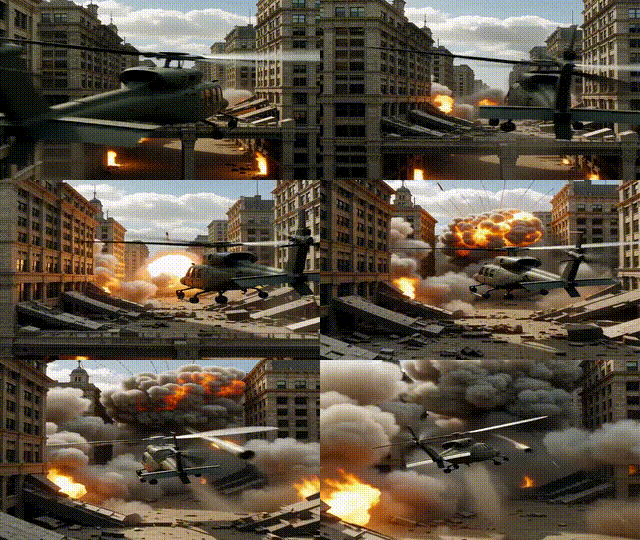
Kling v2.5 | Turbo | Pro | Text to Video

This text-to-video system turns clear prompts into cinematic clips with fluid motion, realistic physics, and detailed lighting—up to 1080p. It excels at interpreting complex instructions, keeping character expressions consistent, and maintaining visual style across frames. You can direct shots with explicit camera cues (pan, dolly, slow motion) and specify mood, textures, or scene dynamics for precise control. Turbo performance delivers fast results for short films, ads, product showcases, and social content. For best outcomes, use concise, descriptive prompts and iterate on details to refine motion, transitions, and framing. Longer narratives work best when segmented into shorter, coherent scenes.
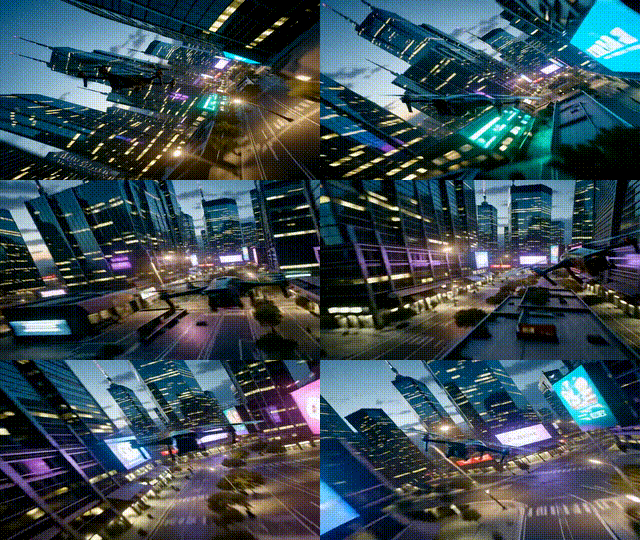
Kling v2.5 | Turbo | Pro | Image to Video
This tool turns a single still image into a cinematic video with fluid motion, realistic camera moves, and detailed effects—while preserving the image’s style and composition. A refined prompt engine interprets complex, multi‑step directions and supports advanced shots like dolly zooms, aerial sweeps, and tracking. It can also generate scenes directly from text, delivering 5–10 second clips up to 1080p with strong temporal consistency and reduced jitter. For best results, use high‑quality, well‑lit images, specify motion type, camera behavior, and mood, then iterate to refine. Ideal for product showcases, social clips, storyboards, and creative projects needing speed and fidelity.
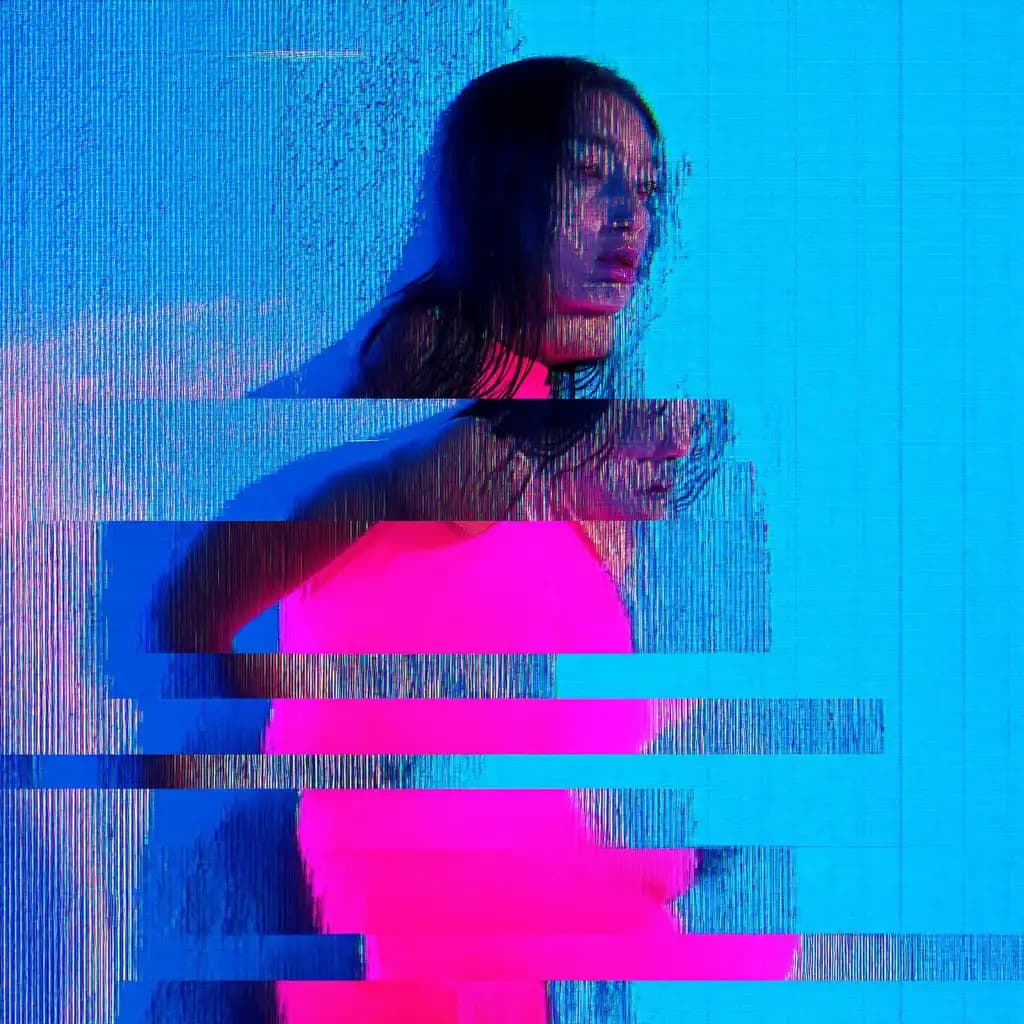
Higgsfield AI Soul

This model creates fashion-forward, photorealistic images with cinematic lighting, rich textures, and refined color grading—straight from simple prompts. It understands aesthetic cues like mood, fabric, and makeup, and applies professional photography principles (composition, lens feel, depth of field) automatically. With the Soul ID system, you can keep a character’s look consistent across multiple shots, perfect for campaigns and brand storytelling. Precision edits are easy with inpainting, while high-resolution output supports e-commerce, editorials, and social visuals. Use clear fashion and photography terms (editorial lighting, studio strobe, 85mm portrait) and mood descriptors to guide results with minimal post-processing.
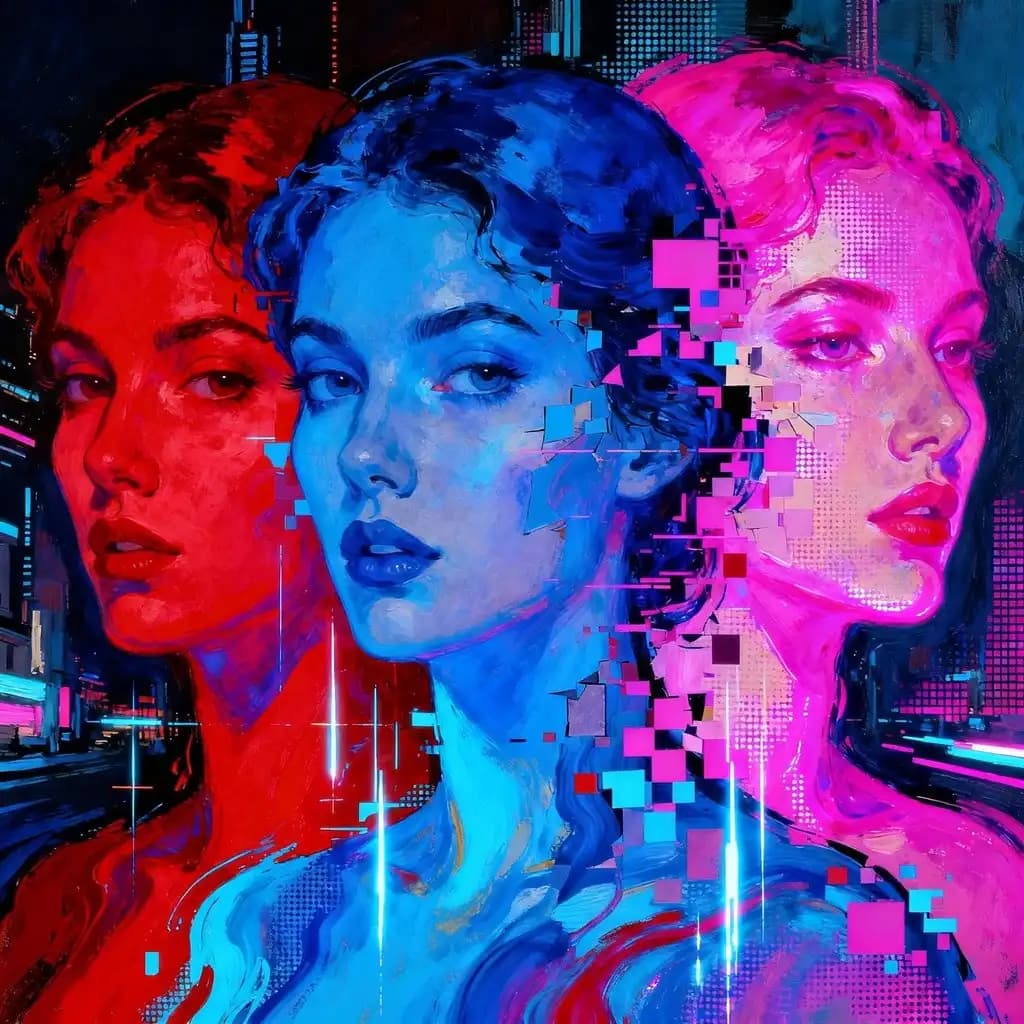
Higgsfield AI Visual Effects
This creative tool creates cinematic images and short videos from simple tips, presets, or reference media. Providing realistic lighting, atmospheric effects, and sharp details, it offers deep control over camera movements, character consistency, and inpainting-based edits.
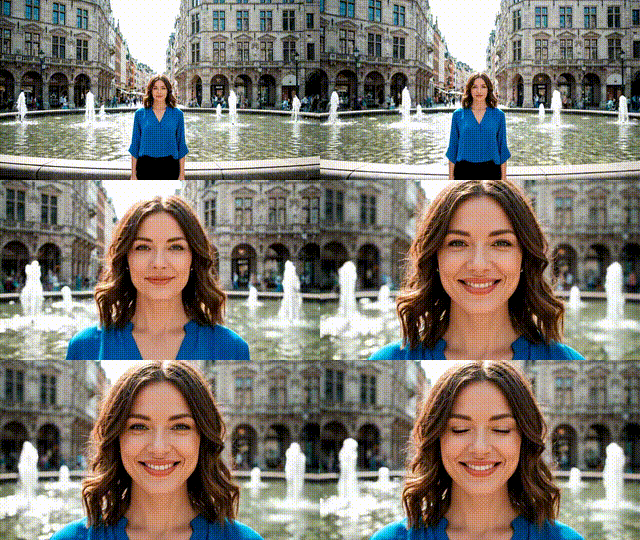
Wan | v2.2 14B | Animate | Move

This tool animates a still photo by transferring gestures, facial expressions, and head movements from a reference video, while preserving the subject’s identity and natural look. Powered by a diffusion framework with a Mixture‑of‑Experts design, it delivers smooth, temporally coherent motion at up to 720p. For best results, use high‑resolution, front‑facing photos and clear driving videos with unobstructed, natural movements. Start with lower‑resolution tests to check alignment, then upscale for final renders. It supports both motion transfer and character replacement, making it ideal for animated portraits, lifelike avatars, social content, and pre‑viz where realistic expression and pose fidelity matter.
Newly Released AI Models & Features
Most Popular
Alibaba | Wan 2.7 | Image Edit
Alibaba Wan 2.7 Image Edit is the latest Wan-series image editing model developed by Alibaba, offering improved instruction comprehension and editing precision for a wide range of modifications including style changes, object edits, and scene alterations. Built on the Wan 2.7 architecture, this model handles complex natural language editing instructions with greater semantic accuracy than earlier versions. Best suited for product photo editing, creative retouching, and high-volume commercial image transformation pipelines.
Seedance V1.5 | Pro | Text to Video
Discover a groundbreaking way to create videos with the seedance-v1.5 text-to-video AI model by Bytedance. This innovative tool transforms text prompts into captivating, high-quality videos with synchronized audio, effectively removing the need for post-editing. With advanced camera controls like dolly zooms and tracking shots, you can produce cinematic clips in a matter of minutes. Perfect for creators wanting quick and engaging content, it generates 5-10 second videos at up to 1080p resolution in just one streamlined process.
Seedance V1.5 | Pro | Image to Video
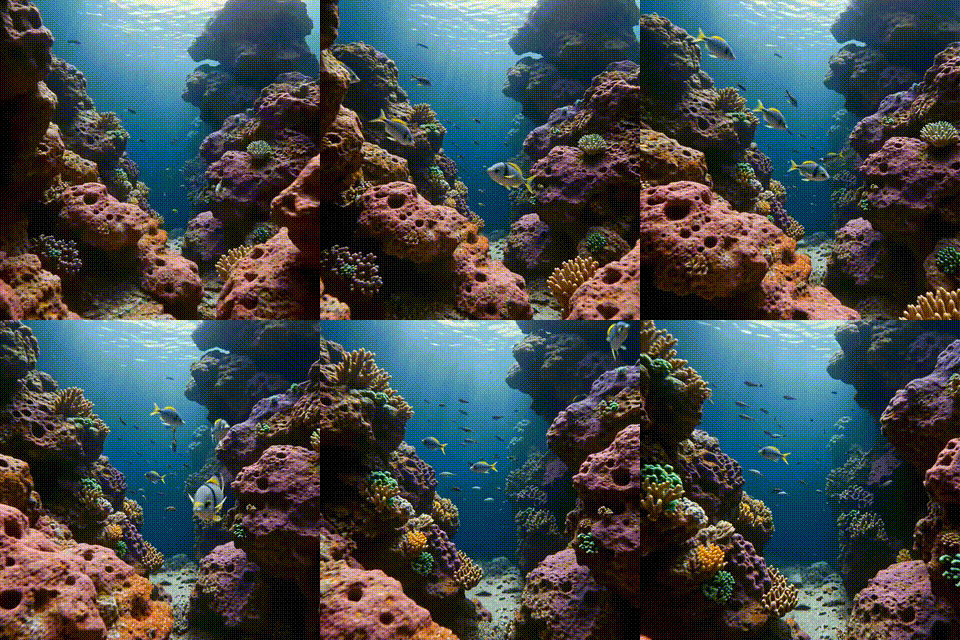
Bytedance's seedance-v1.5-pro-image-to-video transforms static images into dynamic videos with synchronized audio, removing the need for post-production editing. Utilizing a unique Diffusion-Transformer architecture, it processes visuals and audio simultaneously, achieving precise lip-sync and sound matching. This AI model is perfect for creators needing professional-grade image-to-video solutions, supporting 5-10 second clips at up to 1080p resolution. It maintains character identity and fine details while adding immersive soundscapes, offering an all-in-one solution for cinematic video creation.
Infinitalk | Image to Video
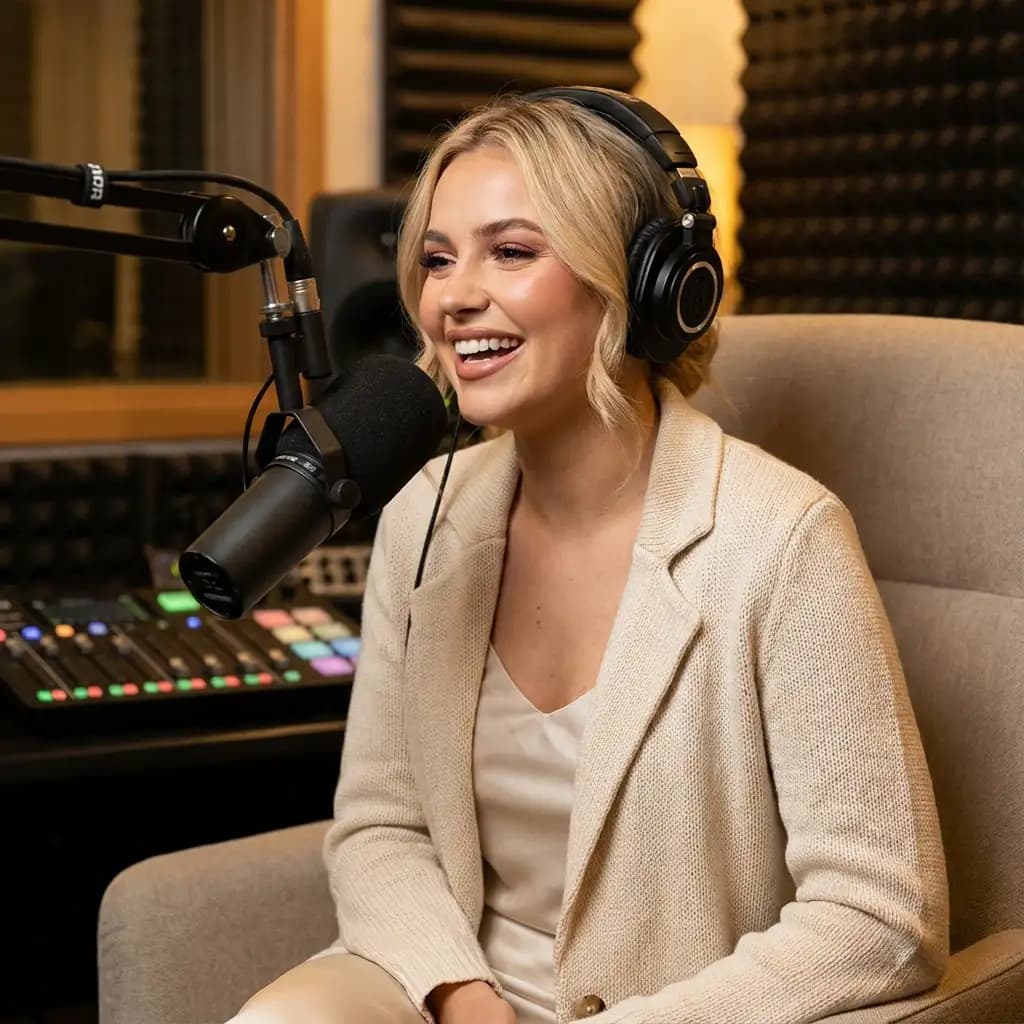
InfiniteTalk's AI-driven model turns a single image and audio input into a lifelike talking avatar video. This innovative tool ensures accurate lip sync, realistic facial expressions, and natural head and body movements. Ideal for producing long-form content, it maintains character consistency over extended sessions without identity drift. Unlike short-clip tools, it supports streaming for creating infinite-length videos, making it perfect for seamless storytelling and prolonged narration needs.