
Knowledge BaseThe AI Directory
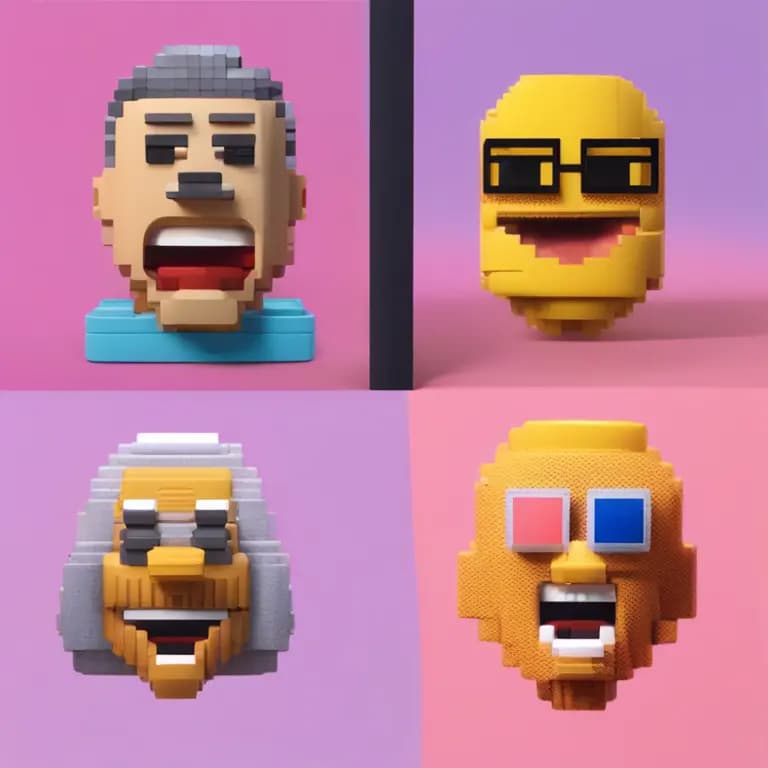
Instant ID - Anime Generator

Instant ID - Anime Generator turns your photos and prompts into personalized, high-quality anime avatars. Built on diffusion models with LoRA support, it produces multiple face variations, styles, and expressions while letting you fine-tune results via prompt_strength, lora_scale, seed, and depth controls. Clear, detailed prompts and higher-resolution inputs (256x256 or above) improve fidelity, and negative prompts help remove unwanted traits. Use it for character design, social profiles, storytelling, game art, and education. While it handles diverse styles (3D, emoji, pixel, clay, toy), extreme angles or low-light images may reduce quality. Outputs are PNG and can be reproduced with fixed seeds.
Voice Changer

Voice Changer lets you transform any recording by modifying pitch, timbre, and adding effects like reverb. Choose a preset or a custom RVC model to create character voices, tweak gender-style pitch shifts, and fine-tune clarity with parameters such as index_rate, filter_radius, and protect. You can balance levels for main and backing vocals, adjust instrumental volume, and pick a pitch detection algorithm (rmvpe for speed, mangio-crepe for accuracy). Small parameter changes matter, so adjust incrementally and monitor artifacts. With high-quality input and sensible settings, you can produce polished MP3 outputs for podcasts, videos, education, or creative voiceovers.
Kokoro 82M
Kokoro 82M is a high-quality text-to-speech system that converts written text into clear, natural-sounding audio. It offers multiple voice options, precise speed control, and consistent pronunciation, making it suitable for voiceovers, audiobooks, and announcements. For best results, provide clean, well-punctuated text and avoid overly complex sentences; shorter segments improve rhythm and reduce awkward pauses. Keep speed in a moderate range (about 0.8-1.2) for formal content, or increase slightly (1.3-1.5) for energetic reads. Choose voice tones to match context—deeper for authoritative delivery, lighter for casual engagement. Kokoro 82M delivers noise-free output with lifelike intonation and reliable clarity.

MM Audio

MMAudio is a versatile multimodal audio system that analyzes, enhances, and generates sound for many use cases. It supports transcription, classification, text-to-audio, and denoising, combining CNNs and transformers for accurate understanding and natural synthesis. Clear, detailed prompts and negative prompts (e.g., “no human voices”) help focus results. Start with moderate steps (around 50) to balance speed and quality, and adjust CFG strength: higher values strictly follow your prompt; lower values allow more creativity. Fixed seeds ensure repeatability, while random seeds explore variations. MMAudio is ideal for media production, gaming, VR, and education—adding realistic ambiance, narration, and synchronized effects to silent or existing videos.

SDXL Ad Inpaint
SDXL Ad Inpaint is a powerful image inpainting solution that restores, edits, and enhances visuals with precision. Using advanced deep learning, it reconstructs missing areas, refines textures, and supports high-resolution outputs. You can fine-tune results by adjusting guidance and condition scales, refine steps, schedulers, and seed for repeatability or variety. Clear, specific prompts lead to the best outcomes, while moderate parameter values help avoid oversaturated or unnatural looks. For speed–quality balance, try 5–10 inference steps and start with product_fill as Original. Enable upscaling for sharper results, and experiment with schedulers like KarrasDPM or DDIM to optimize detail, smoothness, and iteration speed.
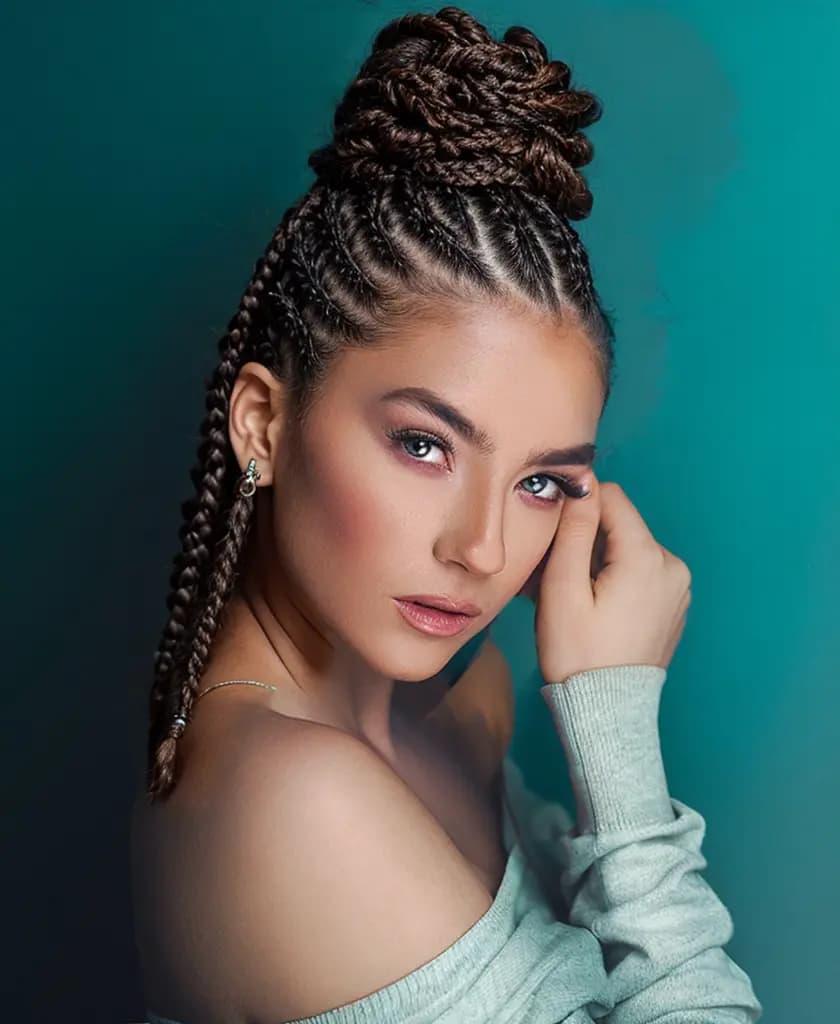
Realisitic Vision V3 Inpainting

Realistic Vision V3 Inpainting is an advanced AI model that restores and enhances images by reconstructing missing or damaged areas with lifelike precision. Using a diffusion-based architecture, it seamlessly blends new content into existing visuals, maintaining texture, lighting, and detail consistency. Ideal for repairing old photos, removing unwanted objects, or performing creative edits, it allows users to guide the process through text prompts and precise masks. Its flexibility supports both professional restoration work and imaginative visual transformations, delivering high-quality, photorealistic results across various artistic and commercial applications.
Photomaker - Image Generation
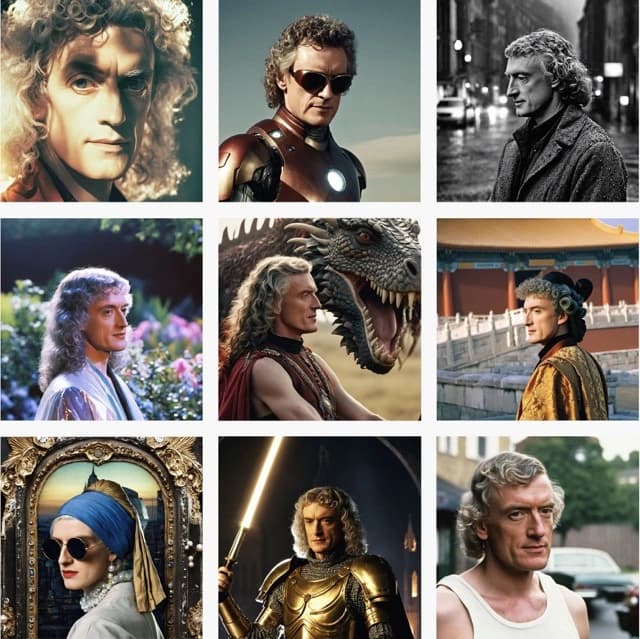
PhotoMaker transforms your images into photorealistic or artistic visuals with precise portrait enhancement, style transfer, and creative edits. Upload a JPEG/PNG (≥512×512, ≤10 MB) and guide results with a short prompt that includes the word “img” exactly once. Choose from styles like Cinematic, Digital Art, Neonpunk, Comic Book, and more, with resolutions up to 4K. Balance fidelity and creativity using guidance_scale and style_strength_ratio, and set a seed for reproducible or varied outputs. You can replace backgrounds, blend up to four input images, and generate multiple results at once. For best quality, start with clear, well-lit portraits and refine iteratively.
PDF to Text Generator
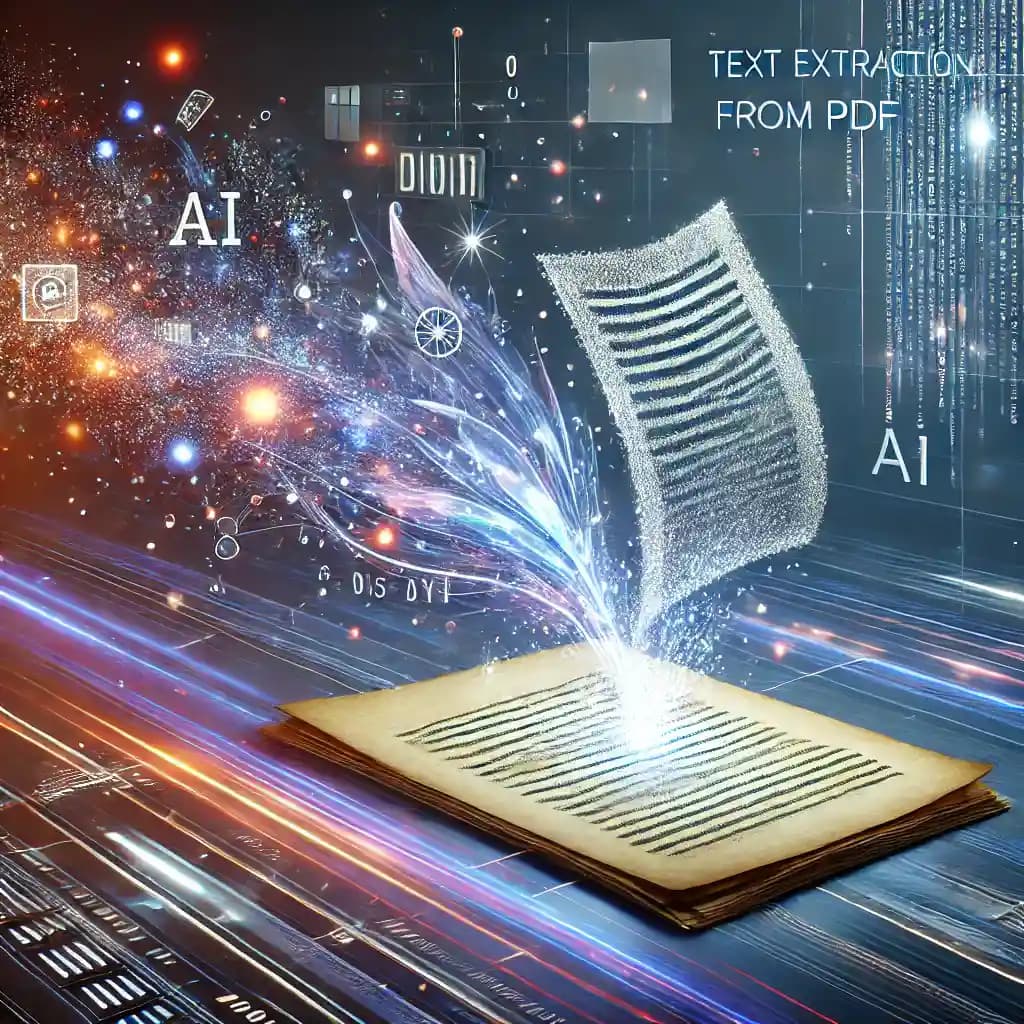
PDF to Text Generator converts non-editable PDFs into editable text via OCR. Given a publicly accessible PDF URL, it downloads the file, converts each page to an image, and applies Tesseract to extract text, compiling a single output. Accuracy improves with high-quality scans (≥300 DPI), proper language settings, and basic preprocessing (denoise, deskew, contrast). Expect longer times for large or multi-page documents. Complex layouts—tables, multi-columns, or non-standard fonts—may require post-processing. Validate URLs, set reasonable timeouts, and start with smaller files to gauge performance. The tool supports batch workflows, enabling digitization, data extraction, and searchability across reports, invoices, and scanned archives.
Newly Released AI Models & Features
Most PopularSeedance V1.5 | Pro | Text to Video
Discover a groundbreaking way to create videos with the seedance-v1.5 text-to-video AI model by Bytedance. This innovative tool transforms text prompts into captivating, high-quality videos with synchronized audio, effectively removing the need for post-editing. With advanced camera controls like dolly zooms and tracking shots, you can produce cinematic clips in a matter of minutes. Perfect for creators wanting quick and engaging content, it generates 5-10 second videos at up to 1080p resolution in just one streamlined process.

Seedance V1.5 | Pro | Image to Video
Bytedance's seedance-v1.5-pro-image-to-video transforms static images into dynamic videos with synchronized audio, removing the need for post-production editing. Utilizing a unique Diffusion-Transformer architecture, it processes visuals and audio simultaneously, achieving precise lip-sync and sound matching. This AI model is perfect for creators needing professional-grade image-to-video solutions, supporting 5-10 second clips at up to 1080p resolution. It maintains character identity and fine details while adding immersive soundscapes, offering an all-in-one solution for cinematic video creation.
Infinitalk | Image to Video
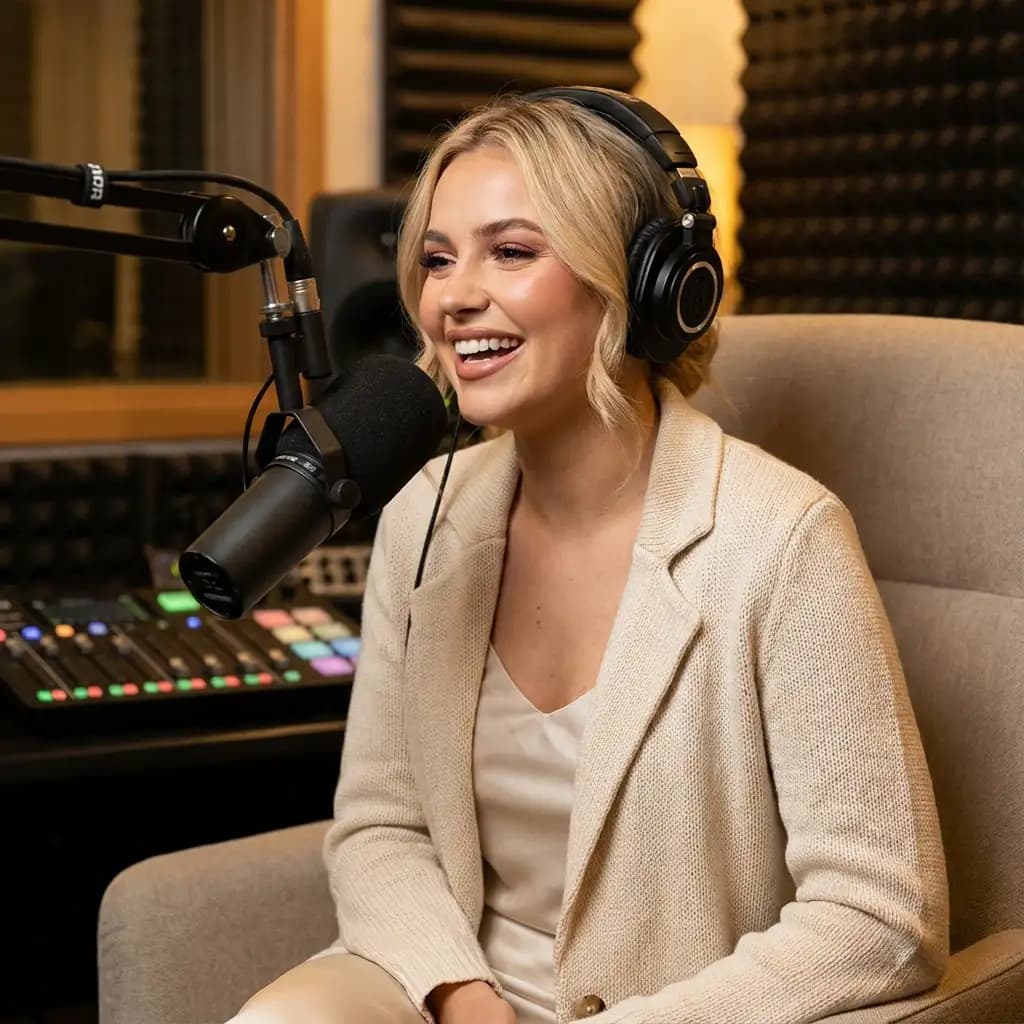
InfiniteTalk's AI-driven model turns a single image and audio input into a lifelike talking avatar video. This innovative tool ensures accurate lip sync, realistic facial expressions, and natural head and body movements. Ideal for producing long-form content, it maintains character consistency over extended sessions without identity drift. Unlike short-clip tools, it supports streaming for creating infinite-length videos, making it perfect for seamless storytelling and prolonged narration needs.
Bytedance | Omnihuman v1.5
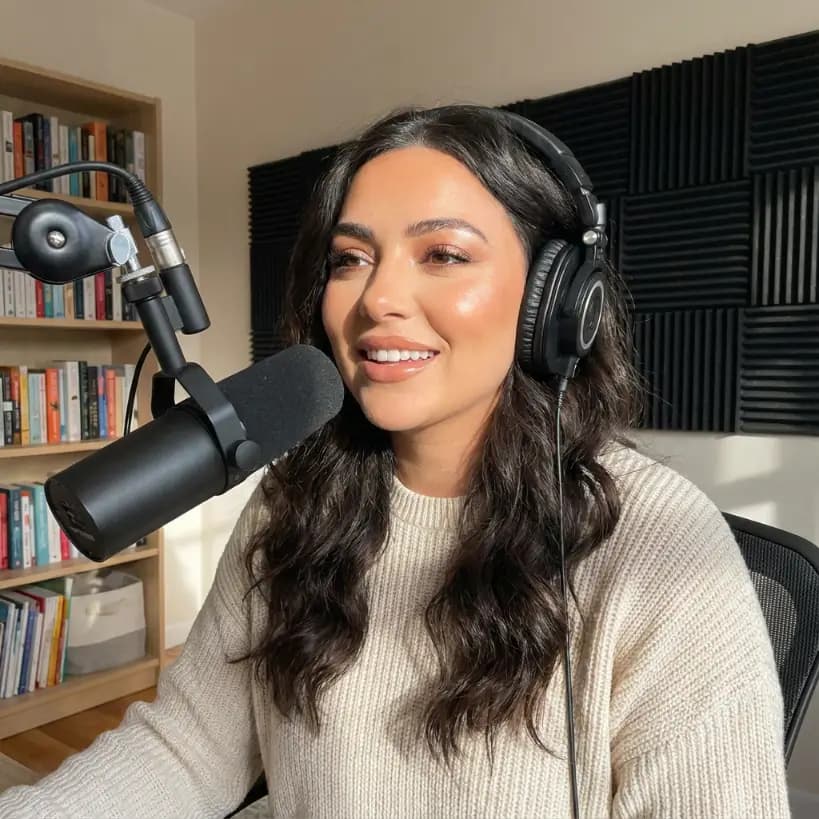
The Omnihuman-v1.5 AI model developed by Bytedance transforms static images into dynamic video performances by integrating a reference image with audio input. Unlike typical text-based video generation, this model focuses on capturing a specific person or character, offering creators fine control over the identity in the video. Targeting creators, marketers, and developers, it helps produce high-quality talking-head and full-body videos efficiently. With advanced lip-sync and emotional gestures, the model outputs synchronized animations in HD, making interactive and emotive visuals achievable without costly setups.