
Knowledge BaseThe AI Directory

Flux 2 | Max | Text to Image
FLUX.2 [maximum] delivers cutting-edge image generation and advanced editing with exceptional realism, precision, and consistency.

Flux 2 | Max | Edit
FLUX.2 [max] provides state-of-the-art image generation and advanced editing with outstanding realism, precision, and visual consistency.

GPT Image | v1.5 | Text to Image
GPT Image 1.5 produces high-quality images with precise prompt alignment, consistent composition, realistic lighting, and rich fine-detail rendering.

GPT Image | v1.5 | Edit
GPT Image 1.5 creates highly detailed images with accurate prompt interpretation, maintaining consistent composition, realistic lighting, and refined visual detail.
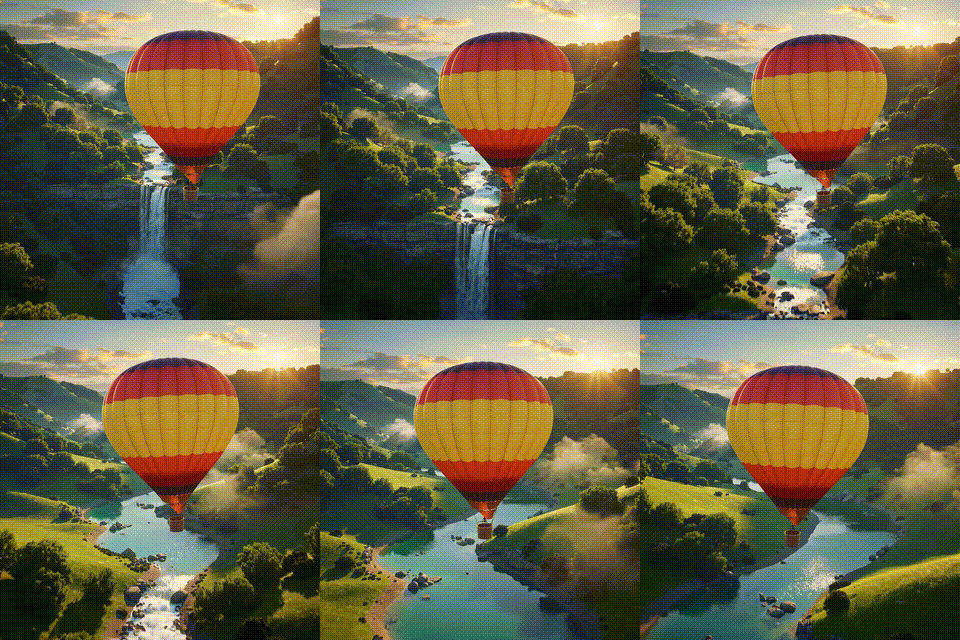
Kling O1 | Image to Video

Bring your still images to life with smooth, cinematic motion. This image-to-video tool turns one or two reference images into a coherent short clip guided by a clear text prompt. Define subject, environment, camera movement (e.g., slow dolly or orbit), lighting, and style to achieve consistent, film-like results. Start with moderate clip lengths and resolution for best temporal stability, then upscale if needed. Keep start/end images stylistically aligned to avoid warping or flicker, and iterate with short tests to refine prompts. Ideal for previsualization, concept reels, marketing motion assets, and social content where you need fast, high-impact animation from static visuals.
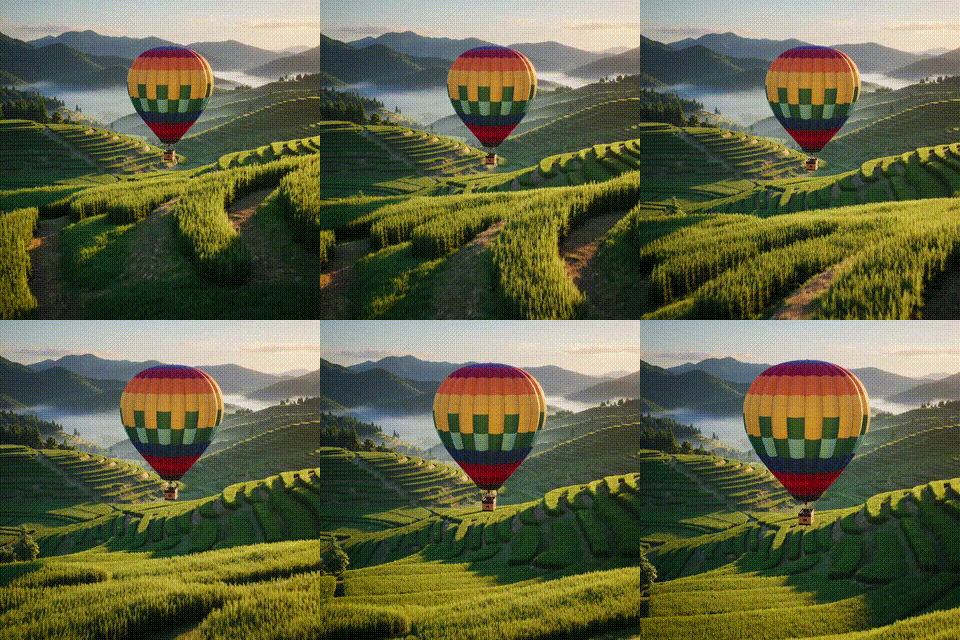
Kling O1 | Video to Video Reference
Create the next shot of your scene with cinematic continuity. This reference-guided video generator takes a short input clip and produces a new shot that preserves camera movement, framing, lighting, and motion style—while letting you change subjects, backgrounds, or time of day via simple text prompts. Add character or object references (front + angles) to keep identities stable across cuts, and include style images to match color grading. Generate 5s or 10s HD–4K clips, keep original audio if needed, and control aspect ratio for any platform. Ideal for extending scenes, building multi-shot narratives, and producing professional-looking sequences fast.

Kling O1 | Video to Video | Edit
This tool lets you transform existing videos using plain-language prompts while preserving the original motion and timing. Change subjects, environments, and overall style without rotoscoping frame by frame. It’s ideal for turning live-action clips into cinematic, anime, or painterly looks; swapping backgrounds; or applying consistent color grading. Start with concise, specific prompts and moderate edit strength to maintain structure, then iterate for stronger effects. Short test segments help tune quality and reduce flicker. For complex replacements, try multi-pass workflows (style pass, then subject pass). Use clean, well-lit input footage for best results, and ensure you have rights to modify all content.

Kling O1 | Reference Image to Video
Turn static images into short, cinematic videos while keeping characters, products, and key details consistent across every frame. This reference-driven image-to-video tool lets you supply multiple element images (front + angles), style references, and an optional start frame, then control motion and look with a clear text prompt. Define camera moves (pan, dolly, orbit), lighting, and scene composition to achieve smooth, film-like results. Start with a 5-second HD test, refine prompts, then scale to 10 seconds or higher resolution. Ideal for multi-character storytelling, brand-consistent product shots, and fast previsualization where identity stability and visual continuity really matter.
Newly Released AI Models & Features
Most PopularSeedance V1.5 | Pro | Text to Video
Discover a groundbreaking way to create videos with the seedance-v1.5 text-to-video AI model by Bytedance. This innovative tool transforms text prompts into captivating, high-quality videos with synchronized audio, effectively removing the need for post-editing. With advanced camera controls like dolly zooms and tracking shots, you can produce cinematic clips in a matter of minutes. Perfect for creators wanting quick and engaging content, it generates 5-10 second videos at up to 1080p resolution in just one streamlined process.
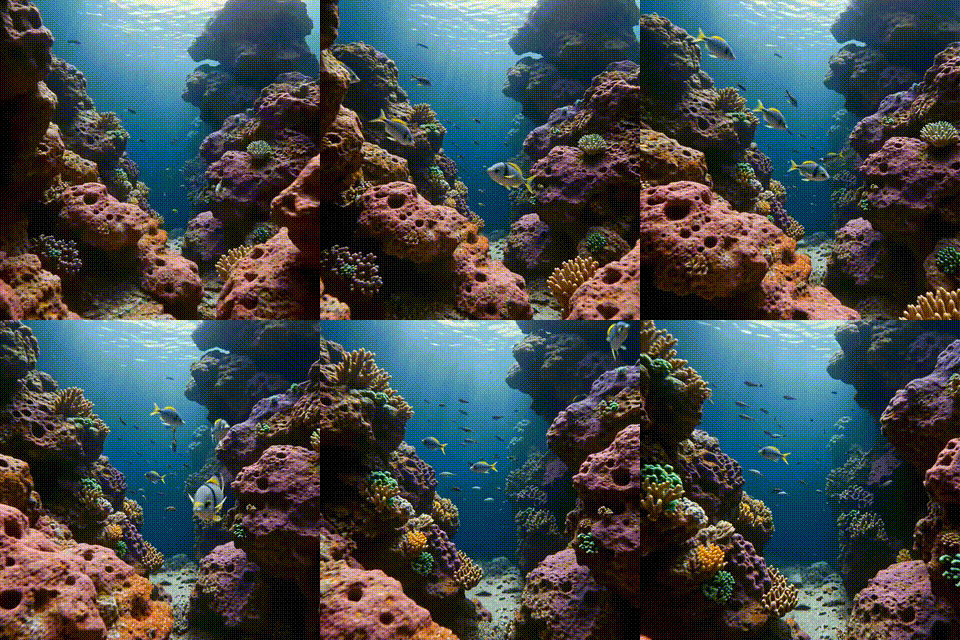
Seedance V1.5 | Pro | Image to Video
Bytedance's seedance-v1.5-pro-image-to-video transforms static images into dynamic videos with synchronized audio, removing the need for post-production editing. Utilizing a unique Diffusion-Transformer architecture, it processes visuals and audio simultaneously, achieving precise lip-sync and sound matching. This AI model is perfect for creators needing professional-grade image-to-video solutions, supporting 5-10 second clips at up to 1080p resolution. It maintains character identity and fine details while adding immersive soundscapes, offering an all-in-one solution for cinematic video creation.
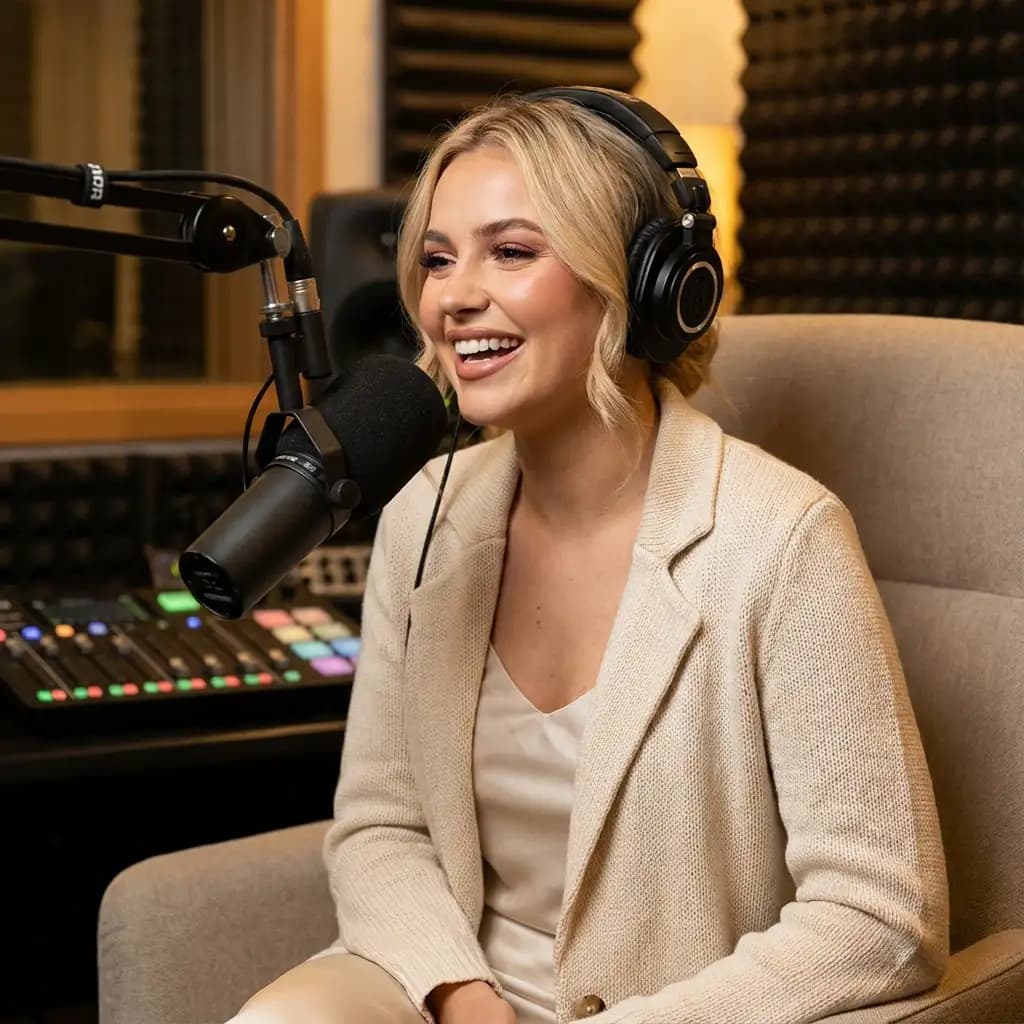
Infinitalk | Image to Video
InfiniteTalk's AI-driven model turns a single image and audio input into a lifelike talking avatar video. This innovative tool ensures accurate lip sync, realistic facial expressions, and natural head and body movements. Ideal for producing long-form content, it maintains character consistency over extended sessions without identity drift. Unlike short-clip tools, it supports streaming for creating infinite-length videos, making it perfect for seamless storytelling and prolonged narration needs.
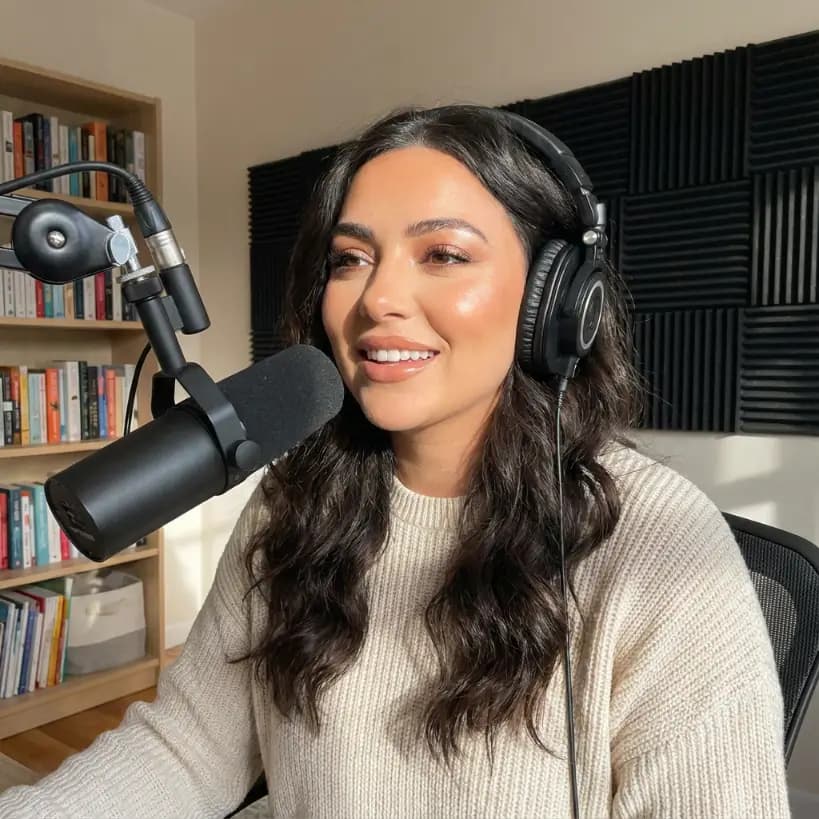
Bytedance | Omnihuman v1.5
The Omnihuman-v1.5 AI model developed by Bytedance transforms static images into dynamic video performances by integrating a reference image with audio input. Unlike typical text-based video generation, this model focuses on capturing a specific person or character, offering creators fine control over the identity in the video. Targeting creators, marketers, and developers, it helps produce high-quality talking-head and full-body videos efficiently. With advanced lip-sync and emotional gestures, the model outputs synchronized animations in HD, making interactive and emotive visuals achievable without costly setups.