Back to Models Wan-AI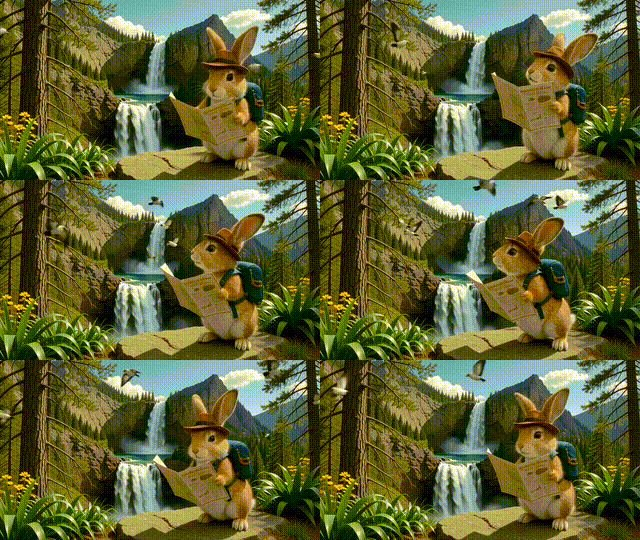
Wan-AIWan 2.1 | Image to Video | 720P
Video
Image to Video
Enhance / Upscale
This tool converts a single image into a smooth, high-quality video guided by a clear text prompt. You control frames, resolution, and sampling to balance speed and detail, with recommended settings like 1280x720, 30-40 sample steps, and 16 fps for natural motion. Use balanced or off fast mode for quality, and ultra-fast for quick drafts. Fine-tune guidance scale for subtle changes and adjust sample_shift for varied transitions. Iterate with different seeds and frame counts (40-81) to refine pacing and length. Ideal for animation prototypes, storytelling previews, and adding cinematic movement to artwork or product visuals.
Guidance Scale Tuning
Prompt Guided Motion