Back to Models OpenAI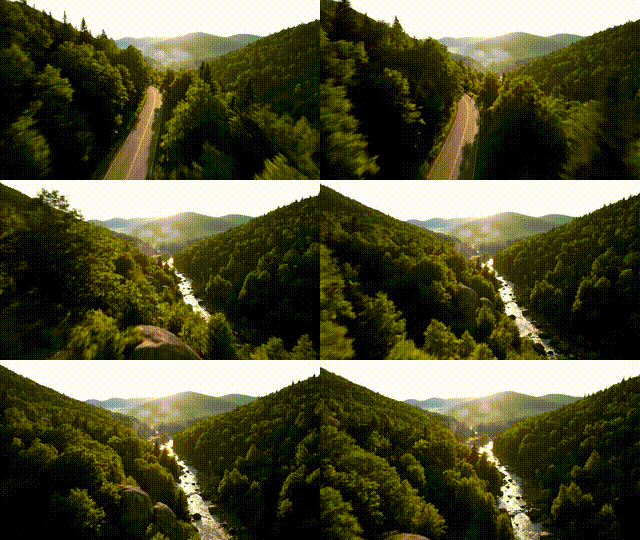
OpenAISora 2 | Image to Video
Video
Image to Video
Enhance / Upscale
This image-to-video system turns a single photo into a cinematic clip with natural motion, lighting, and depth—plus native audio for dialogue, ambience, and effects. It follows clear prompts closely, letting you guide camera moves, style, and scene progression, and even add cameo appearances with accurate lip‑sync. For best results, use concise prompts that specify motion and lighting, keep scenes focused, and iterate to refine continuity. Start with medium quality for drafts, then raise settings for final renders. Ideal for branded content, storyboards, social posts, and digital art, it delivers high‑fidelity 1080p outputs with strong physical realism and temporal coherence.
Synchronized Audio
Camera Control