Back to Models Open Source
Open SourceRembg - Remove Background
Image
Background/Object Removal
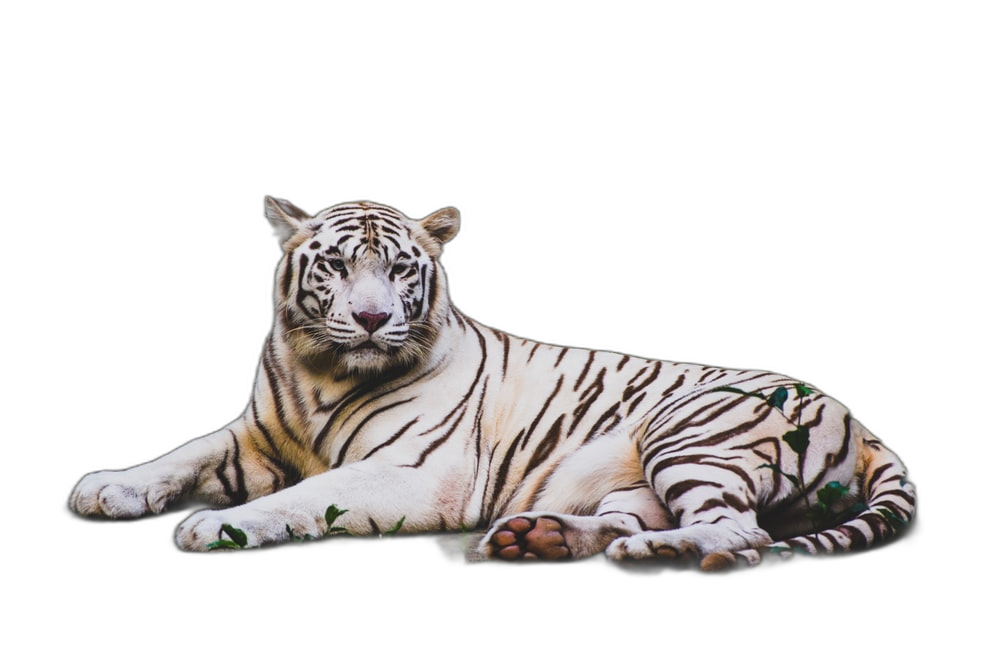
Rembg - Remove Background cleanly isolates your subject by separating foreground from background with advanced deep learning. It’s ideal for e‑commerce, marketing, design, and photography workflows where transparent PNG outputs save time and keep quality intact. For best results, use sharp, well‑lit images at 1024×1024 or higher and ensure the subject is in focus. Complex, cluttered scenes and uneven lighting can slightly affect edge accuracy, especially around hair, glass, or semi‑transparent objects. Pre‑crop to simplify busy backgrounds, then refine fine edges in your editor if needed. The result is a high‑fidelity cutout ready for overlays, composites, and brand assets.
Background Removal
Transparent Cutouts
Edge Aware Segmentation
Output Example
Used Prompt