Back to Models Eachlabs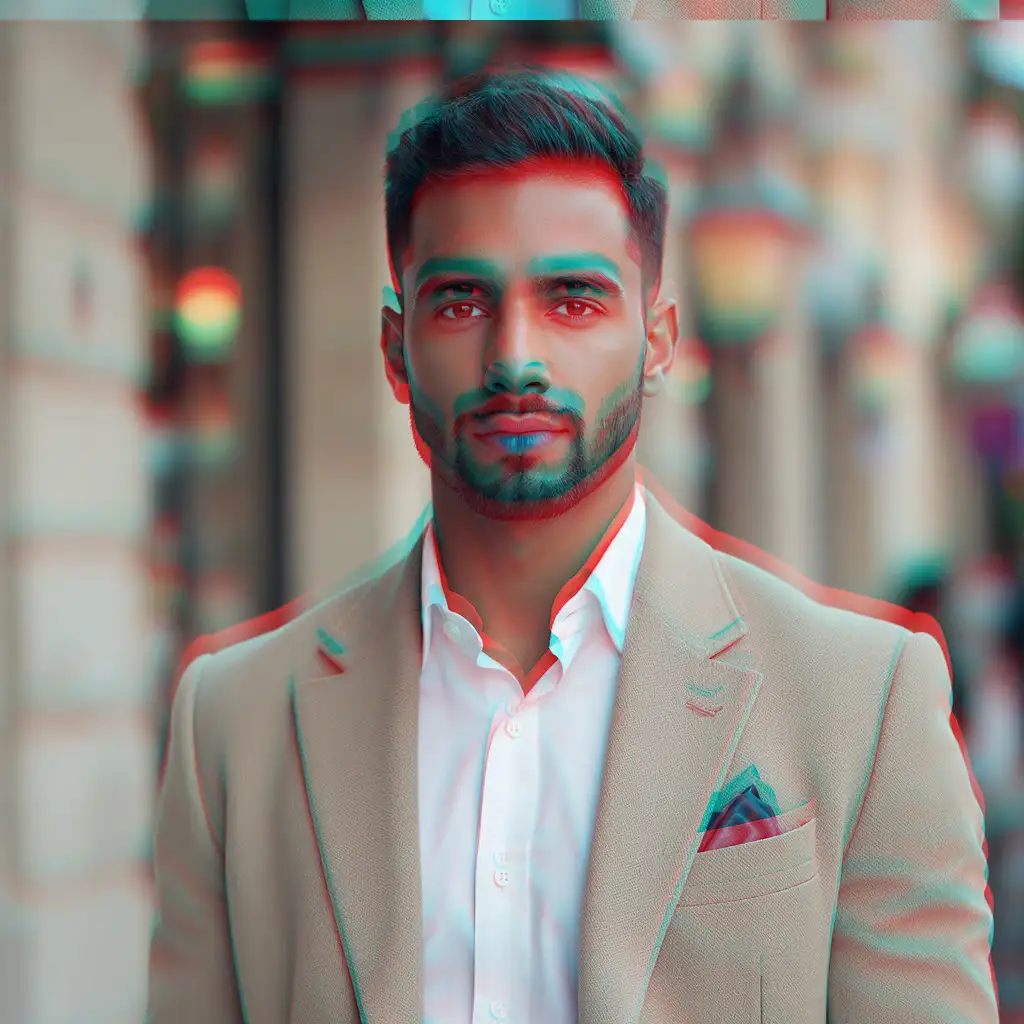
EachlabsPost Processing | Chromatic Abberation
Image
Image to Image
Image Editing
The post-processing chromatic aberration model adds realistic or stylized lens fringing by independently shifting the red, green, and blue channels horizontally or vertically. Apply it after image generation to enhance photographic realism or create bold artistic effects. Start with subtle shifts (1–3 px) and increase gradually to avoid distracting artifacts, especially on high-contrast edges. Use masks to target edges, glass, or highlight areas, and tailor orientation (horizontal for landscapes, vertical for portraits) to mimic lens behavior. The filter is lightweight, works in real time up to 4K, and pairs well with sharpening and contrast adjustments for polished, cinematic results.
Rgb Channel Shift Effect
Lens Fringing Post Processing
Cinematic Chromatic Distortion
Output Example
Used Prompt
