Back to Models Pixverse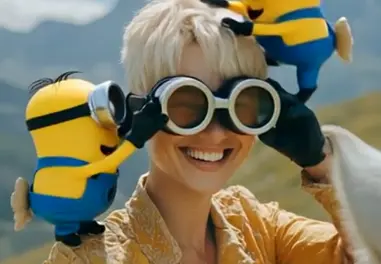
PixversePixVerse v4.5 | Image to Video
Video
Image to Video
Enhance / Upscale
PixVerse v4.5 Image to Video transforms a single image into a short, dynamic MP4 clip while preserving the subject’s identity and structure. Guided prompts let you steer motion, style, and tone, with options like anime, 3D animation, clay, comic, or cyberpunk. Choose 5 or 8 seconds, pick 720p for speed/quality balance (1080p for more detail), and set motion_mode to normal for subtle transitions or fast for action. Use negative prompts to suppress artifacts and fix a seed for reproducibility. High‑resolution, clean compositions deliver the best results; overly abstract, text-heavy, or cluttered images may animate less smoothly.
Temporal Consistency
Style presets
Dubbing Presets