Back to Models Kling AI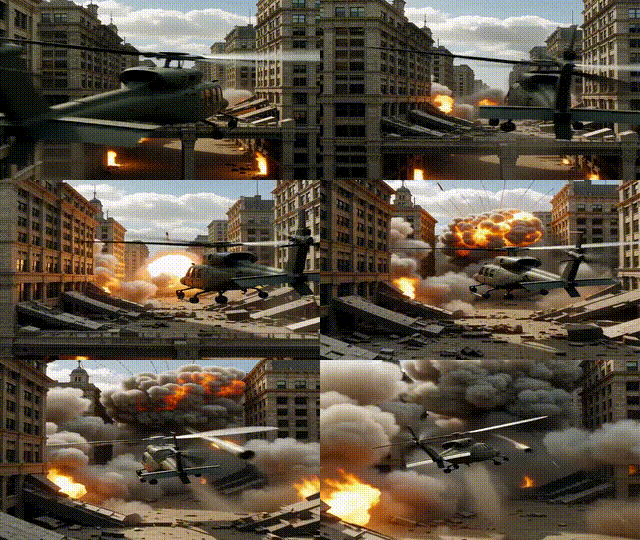
Kling AIKling v2.5 | Turbo | Pro | Text to Video
Video
Text to Video
This text-to-video system turns clear prompts into cinematic clips with fluid motion, realistic physics, and detailed lighting—up to 1080p. It excels at interpreting complex instructions, keeping character expressions consistent, and maintaining visual style across frames. You can direct shots with explicit camera cues (pan, dolly, slow motion) and specify mood, textures, or scene dynamics for precise control. Turbo performance delivers fast results for short films, ads, product showcases, and social content. For best outcomes, use concise, descriptive prompts and iterate on details to refine motion, transitions, and framing. Longer narratives work best when segmented into shorter, coherent scenes.
Cinematic Camera Motion
Motion Physics
High Prompt Accuracy
Output Example
Used Prompt
Negative Prompt
blur, distort, and low quality