Back to Models Kling AI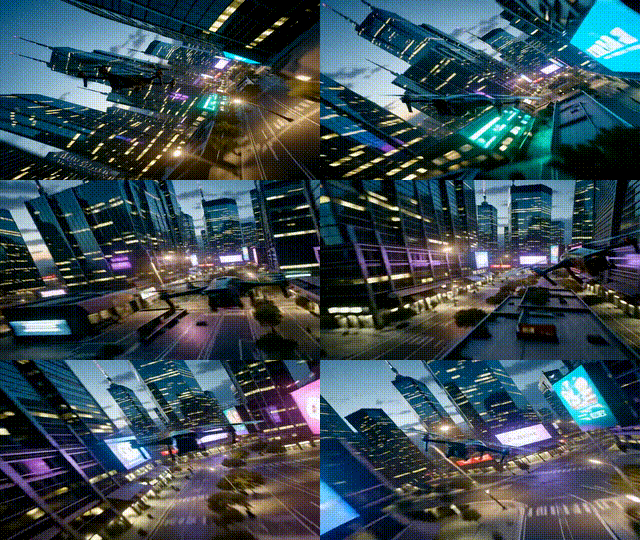
Kling AI5
Kling v2.5 | Turbo | Pro | Image to Video
Video
Image to Video
Enhance / Upscale
This tool turns a single still image into a cinematic video with fluid motion, realistic camera moves, and detailed effects—while preserving the image’s style and composition. A refined prompt engine interprets complex, multi‑step directions and supports advanced shots like dolly zooms, aerial sweeps, and tracking. It can also generate scenes directly from text, delivering 5–10 second clips up to 1080p with strong temporal consistency and reduced jitter. For best results, use high‑quality, well‑lit images, specify motion type, camera behavior, and mood, then iterate to refine. Ideal for product showcases, social clips, storyboards, and creative projects needing speed and fidelity.
Camera Choreography
Temporal Stability
Negative Prompting
Output Example
Used Prompt
Negative Prompt
blur, distort, and low quality