Back to Models Kling AI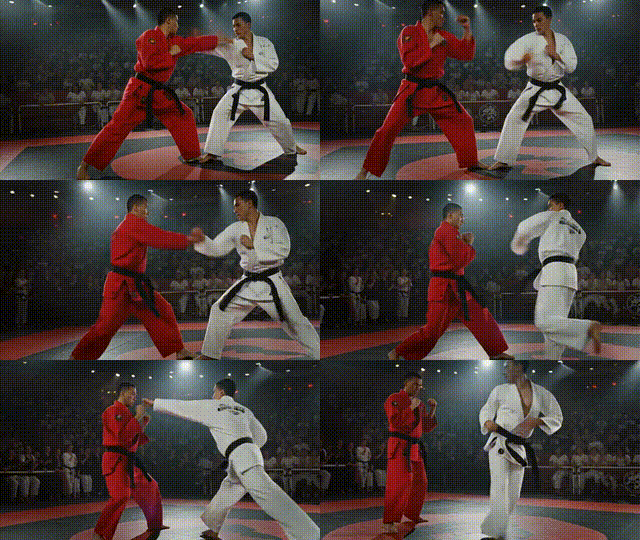
Kling AIKling v2.1 | Pro | Image to Video
Video
Image to Video
Enhance / Upscale
Kling v2.1 Pro Image to Video turns a single image into a smooth, short video guided by a clear text prompt. It preserves facial and structural details while animating motion that matches the scene, using diffusion-based temporal dynamics to reduce flicker and keep subjects consistent. Choose 5 or 10 seconds and common aspect ratios (16:9, 9:16, 1:1). For best results, use a high-quality image with one primary subject and prompts that align with what’s visible. Add negative prompts to suppress artifacts like camera shake or warping. Backgrounds may animate subtly unless explicitly directed for larger changes. Output is MP4 and silent.
Negative Prompting
Temporal Stability
Cinematic Camera Motion