Back to Models Kling AI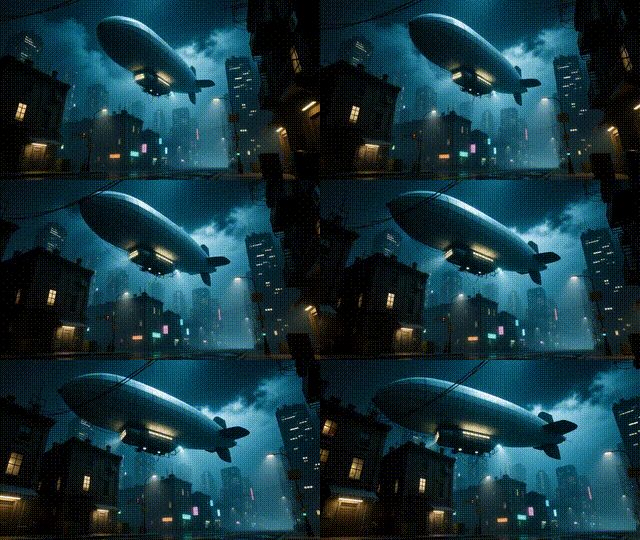
Kling AIKling v1.6 | Standard | Text to Video
Video
Text to Video
Turn short, descriptive prompts into cinematic 5-10 second videos with coherent motion, stable subjects, and consistent lighting. Describe your scene, subject, and movement (e.g., “robot walks through a desert at dusk, slow zoom”) and the system generates MP4 clips with automatic camera pans, zooms, and depth. Use negative prompts to remove unwanted styles or artifacts, and adjust cfg_scale to balance creativity with prompt adherence (start around 0.6). Choose aspect ratios (16:9, 9:16, 1:1) and durations to match platforms and storytelling needs. It’s ideal for social posts, concept visuals, and rapid motion design—no reference images required.
Negative Prompting
Cinematic Camera Motion
CFG Control