Back to Models Kling AI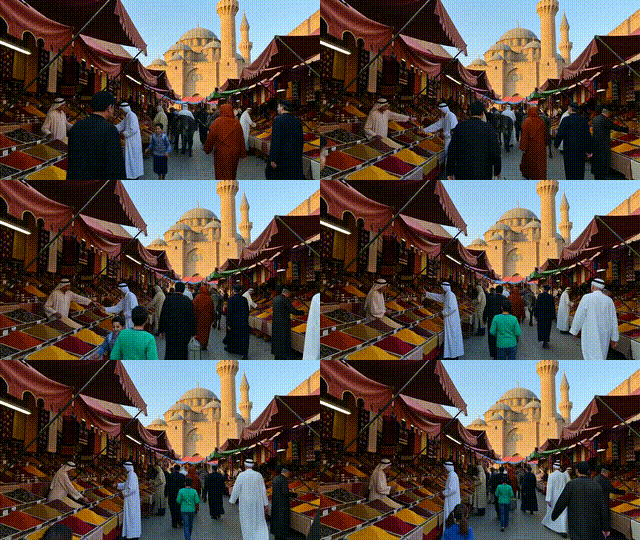
Kling AIKling v1.6 | Standart | Image to Video
Video
Image to Video
Enhance / Upscale
Turn a single image into a short cinematic video with natural, stylized motion. Provide a clear, well-lit image and a descriptive prompt to guide camera actions (pan, zoom, rotate), atmosphere, and lighting. The system preserves fine details and subject integrity while adding depth shifts and smooth, temporally coherent movement. Choose 5s for quick previews or 10s for richer scenes, and pick the best aspect ratio (16:9, 9:16, 1:1) for your platform. Use negative prompts to avoid blur, glitches, or unwanted text, and tune cfg_scale to balance creativity and prompt adherence. Output is MP4, ideal for social, branding, and concept visuals.
Cinematic Camera Motion
Prompt Guided Animation
Reduced Flicker