 Kling AI
Kling v1.5 | Pro | Image to Video
Turn a single image into a short, dynamic video by pairing it with a clear motion prompt—and optionally a tail image to shape the ending frame. This tool preserves the subject and scene structure while adding realistic depth shifts, pans, zooms, and tilts. Start with a clean, well-lit image that matches your prompt’s intent, choose 5s for punchy motion or 10s for smoother cinematic transitions, and set an aspect ratio (16:9, 9:16, 1:1) for your platform. Use negative prompts to remove blur or distortions, and adjust cfg_scale to balance creativity with fidelity. Outputs are coherent MP4 clips ideal for teasers, intros, and social posts.
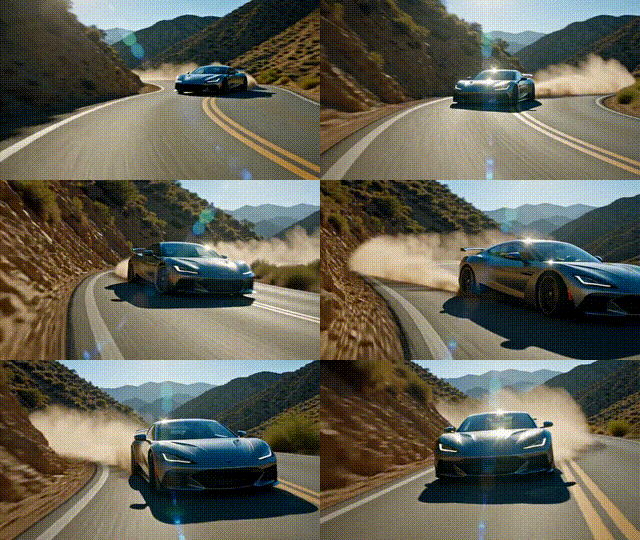
Output Example
Used Prompt
Negative Prompt
shaking. animation, blur, distortion, disfigurement, low quality, collage, grainy, logos, abstract, illustrations, warped.